01TRAVEL
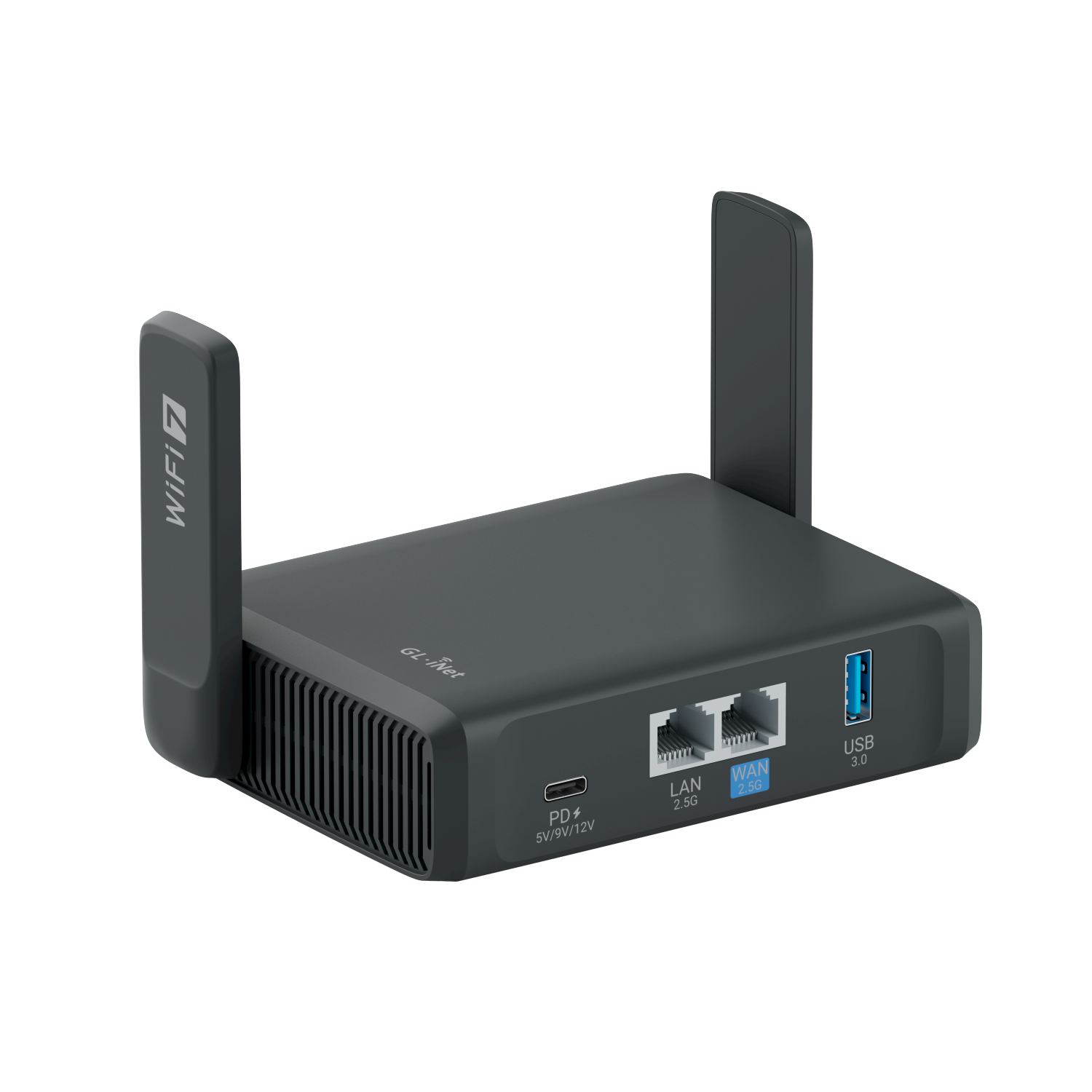
GL.iNet Slate 7
A travel router for building a familiar network wherever your trip takes you.
TECH FOR LIFE ON THE MOVE
Travel routers. Mobile internet. Smarter setups.
Making the tech you take with you easier to understand.
@alexroamtech / REAL GEAR. PRACTICAL TECH.
My daily connectivity and charging essentials.
01 / THE KIT
A closer look at the devices in my ecosystem.
Choose a category, then explore each setup.
A travel router for building a familiar network wherever your trip takes you.
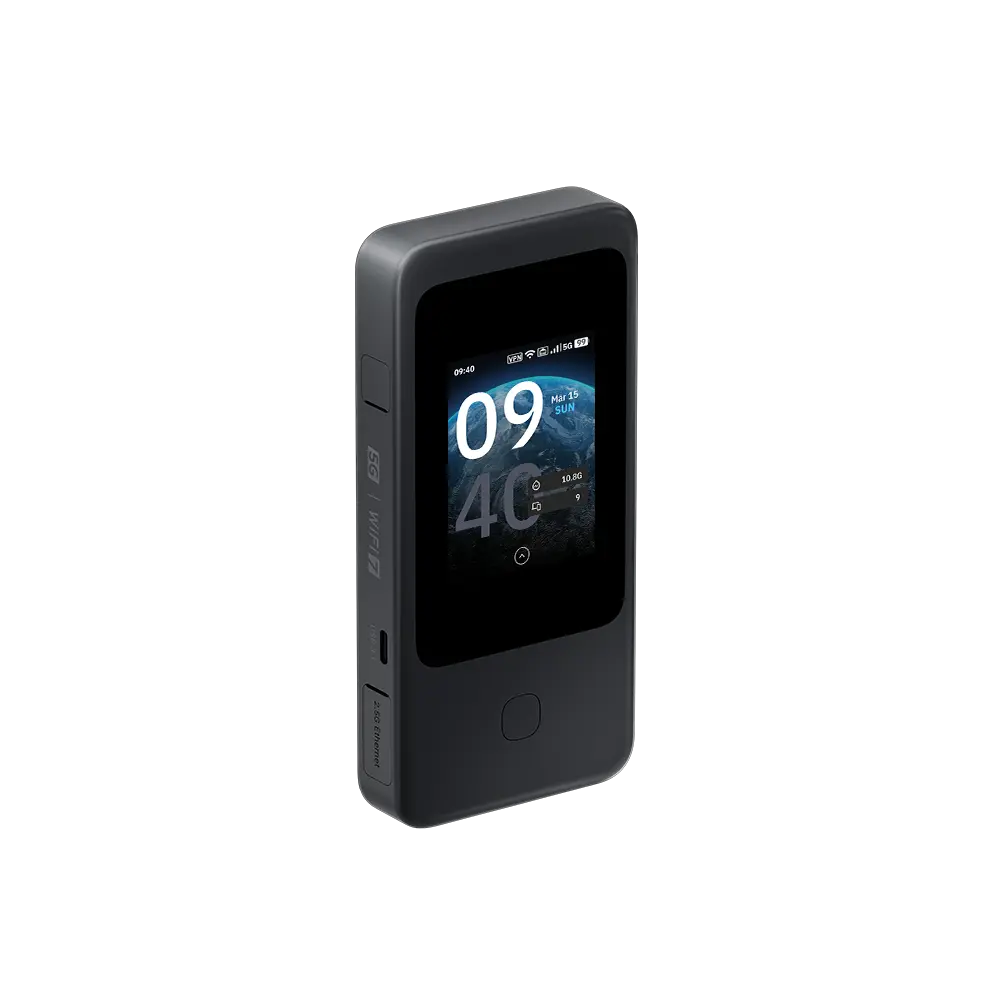
My mobile connectivity device for exploring internet beyond the hotel connection.
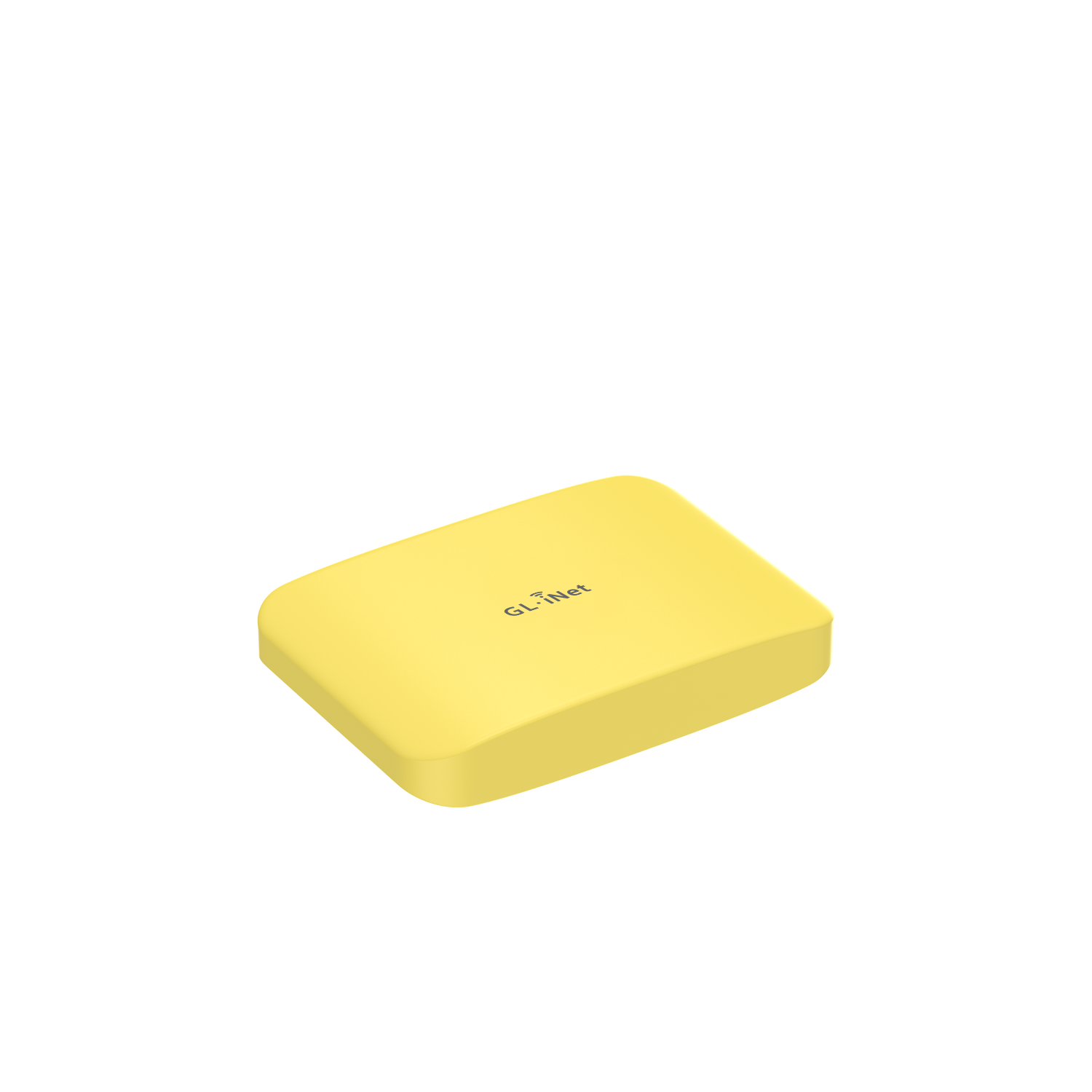
A compact part of my travel tech ecosystem, with hands-on beta testing experience.
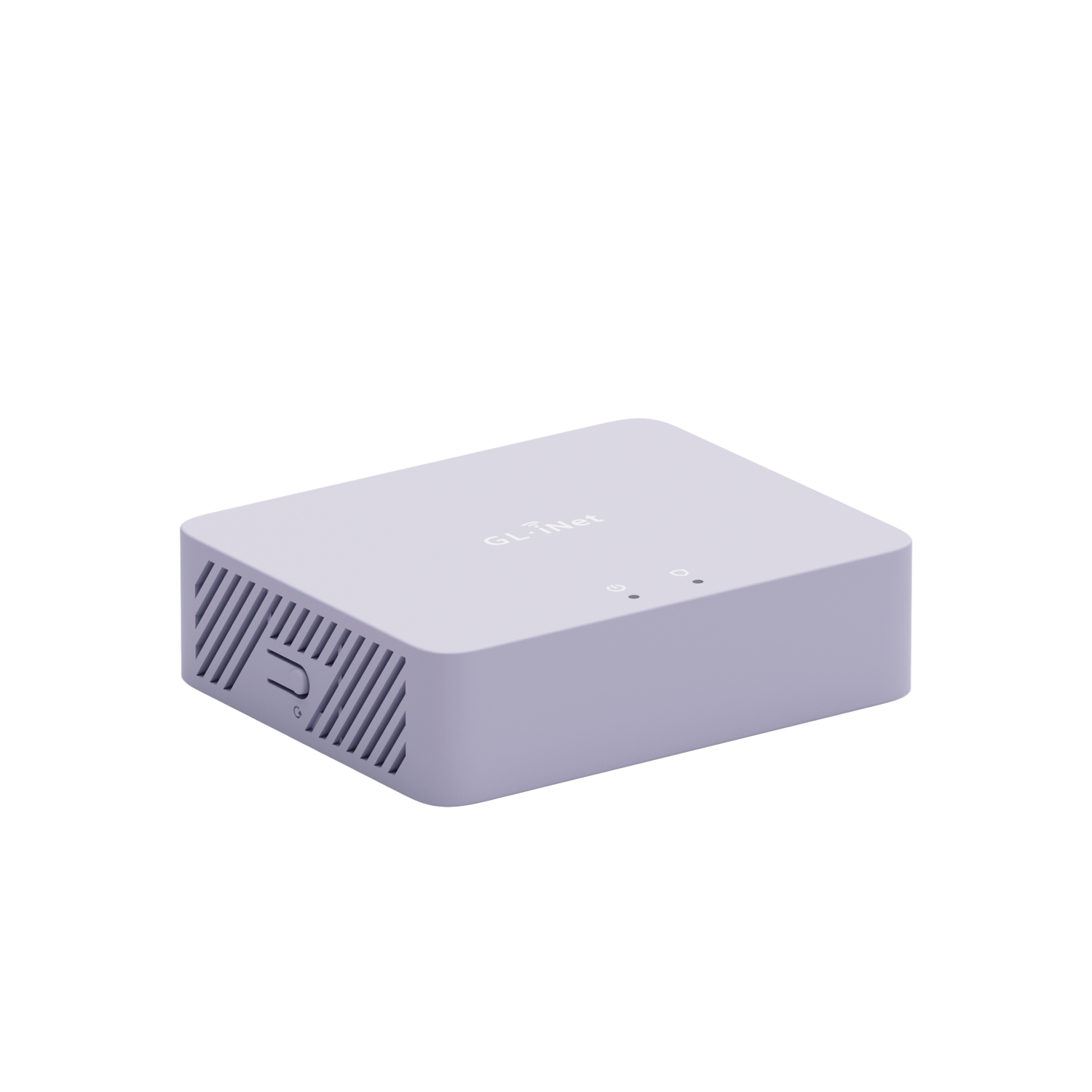
Part of my home network toolkit for experimenting with VPN and network setups.
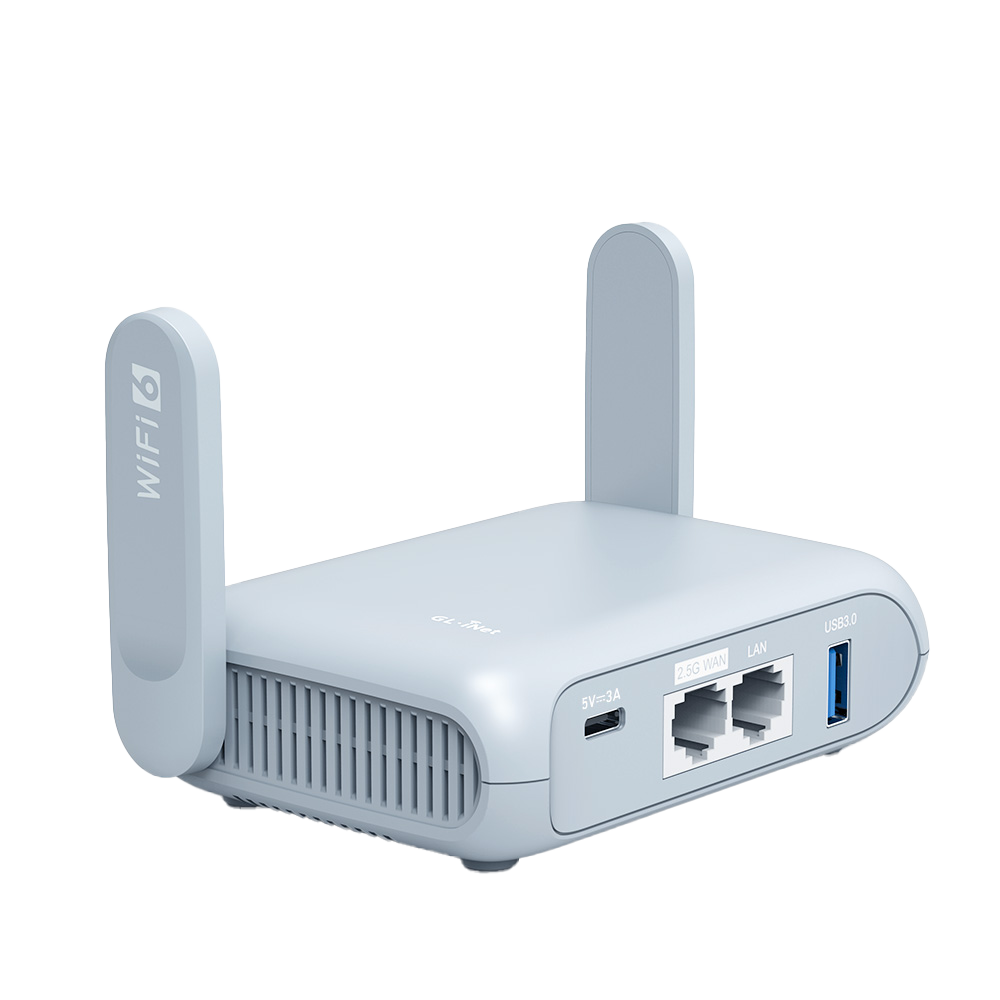
A compact Wi-Fi 6 travel router in my connectivity toolkit.
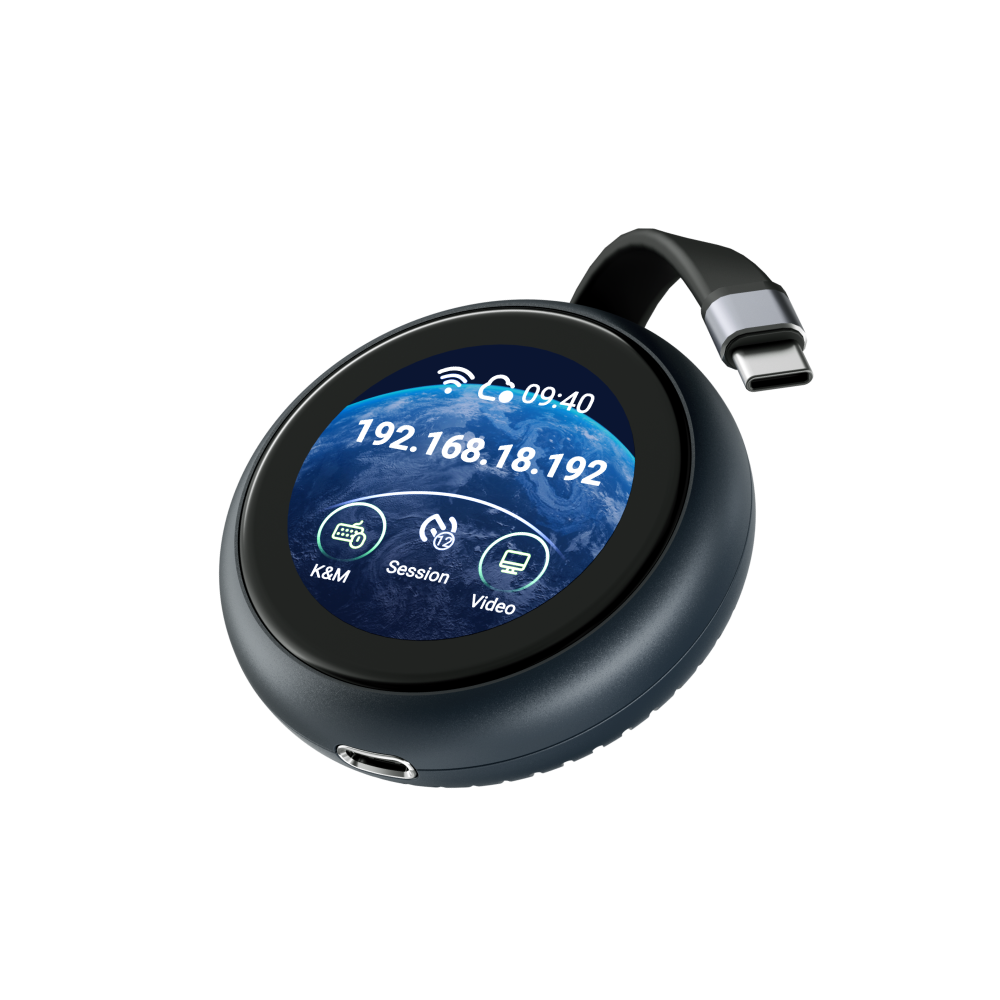
A USB-C remote KVM for accessing and controlling compatible devices from afar.
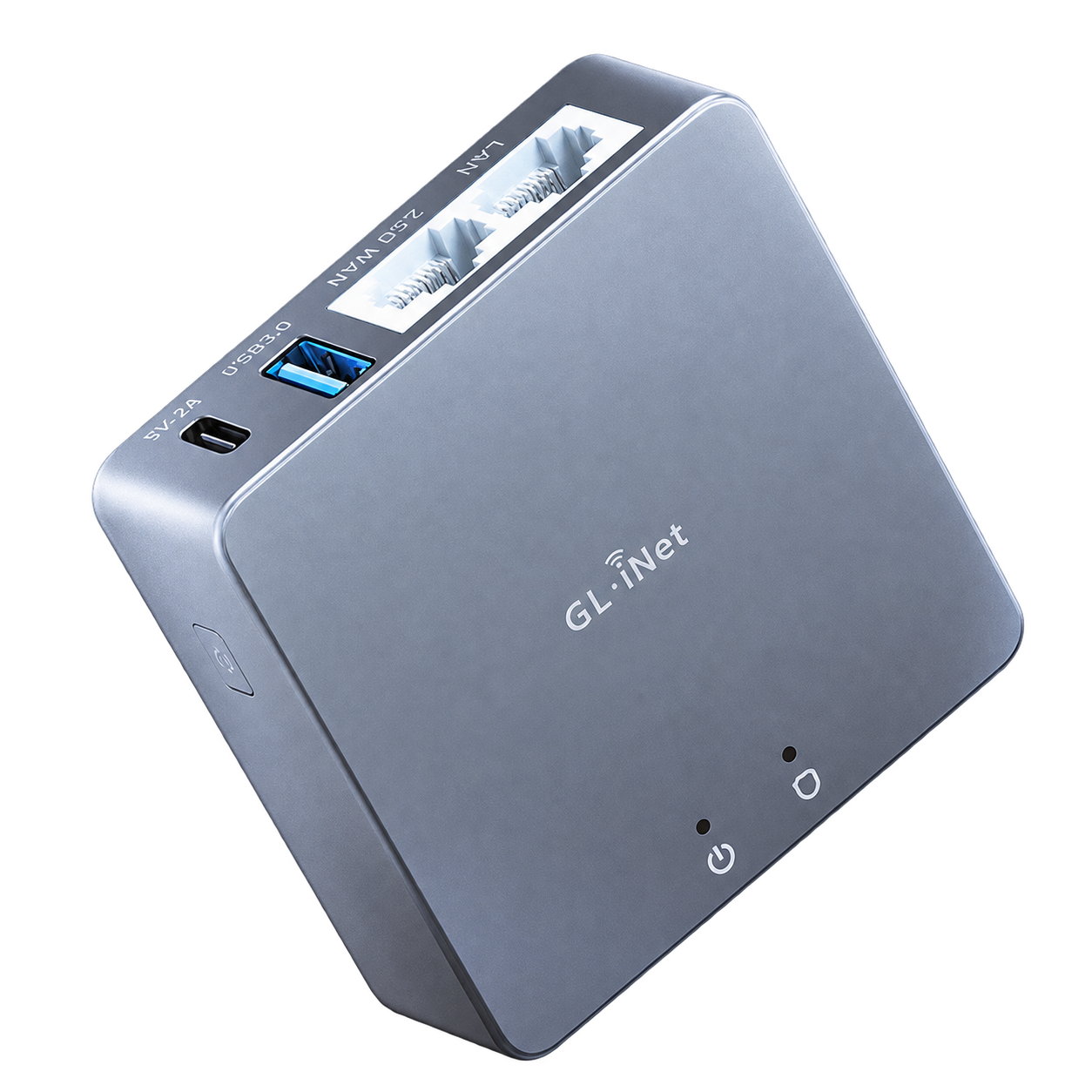
A compact VPN gateway in my home network ecosystem.
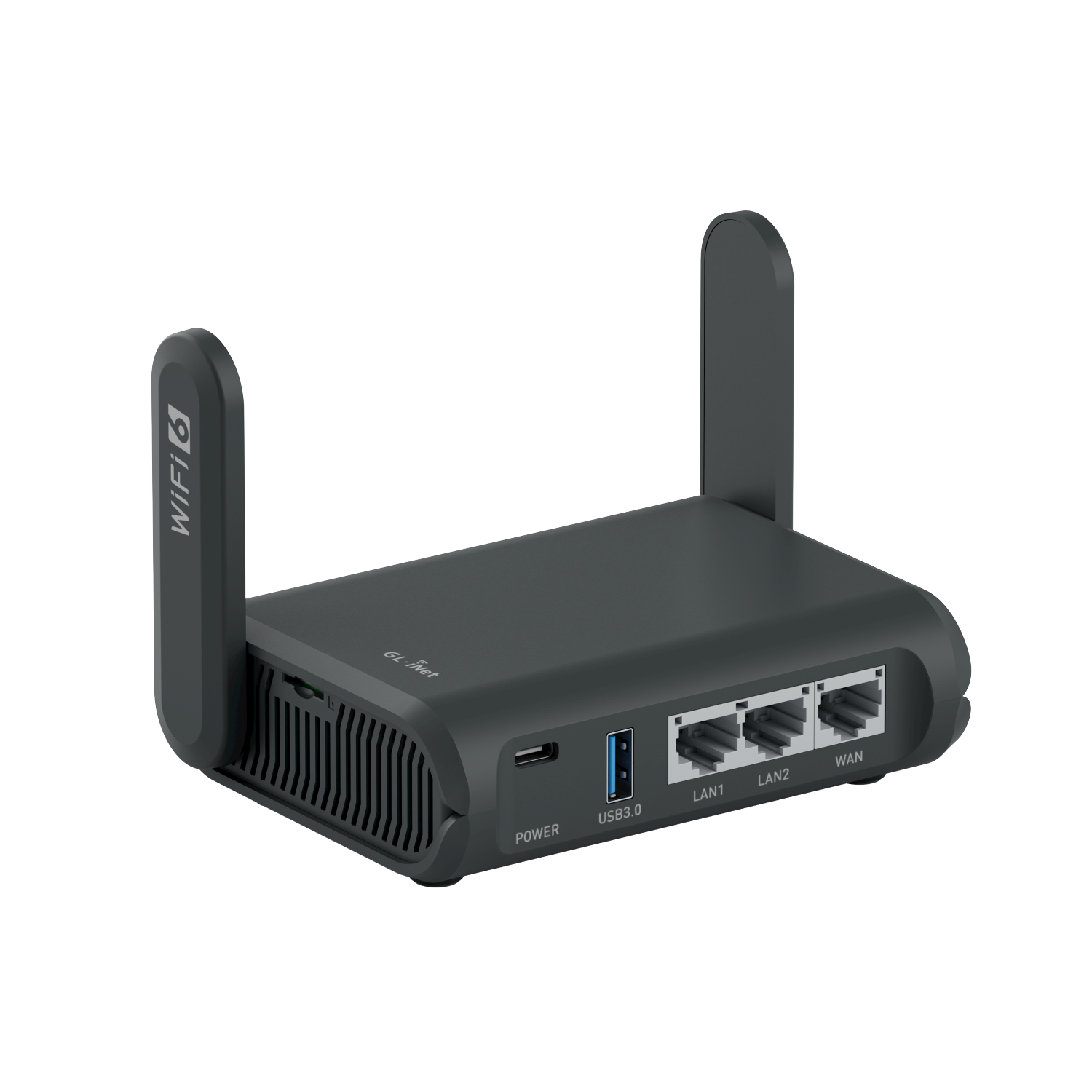
A Wi-Fi 6 travel router for portable networking and VPN setups.
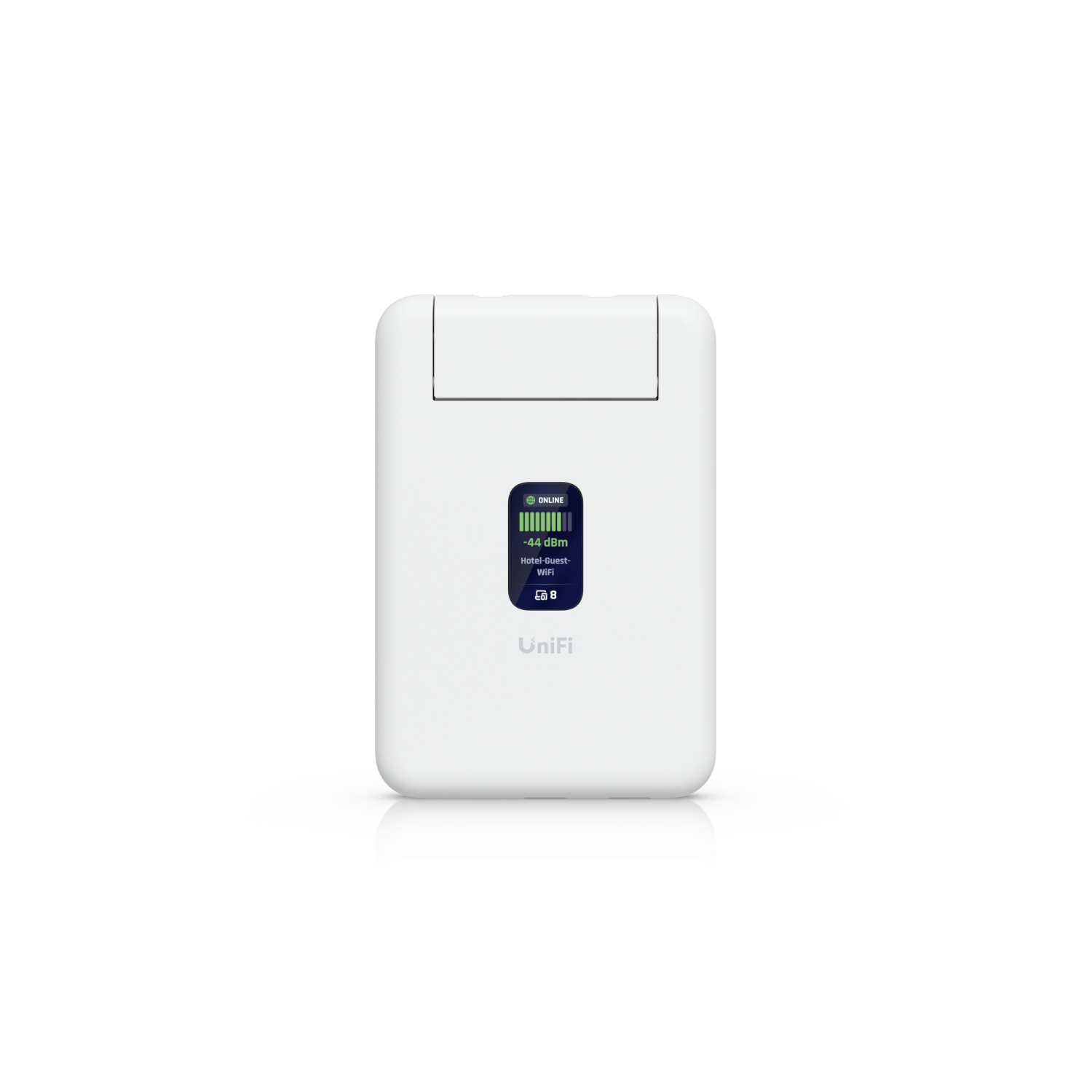
A slim Wi-Fi 5 travel router for portable connectivity and VPN setups.
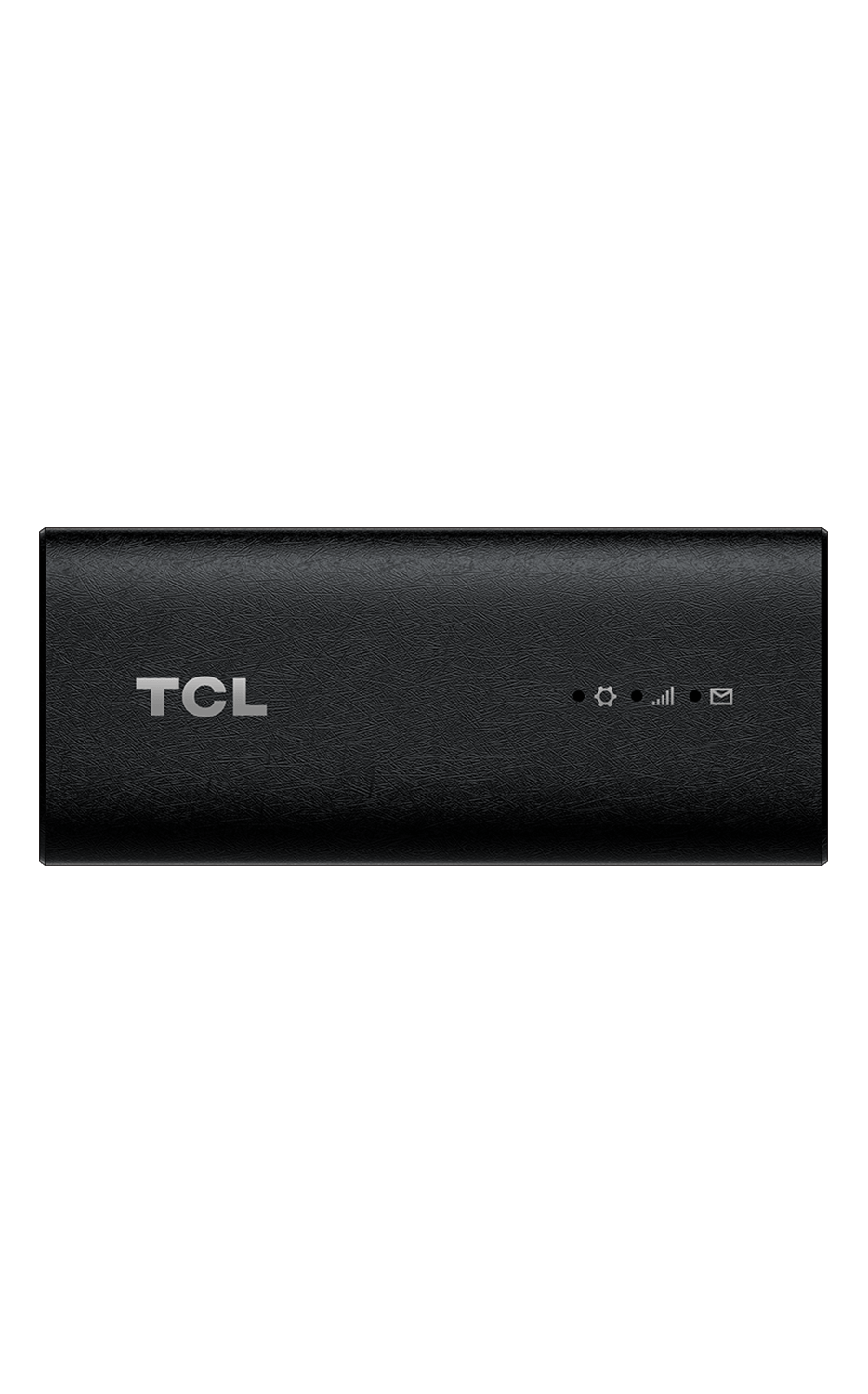
A compact 5G USB-C internet stick for a direct cellular connection.
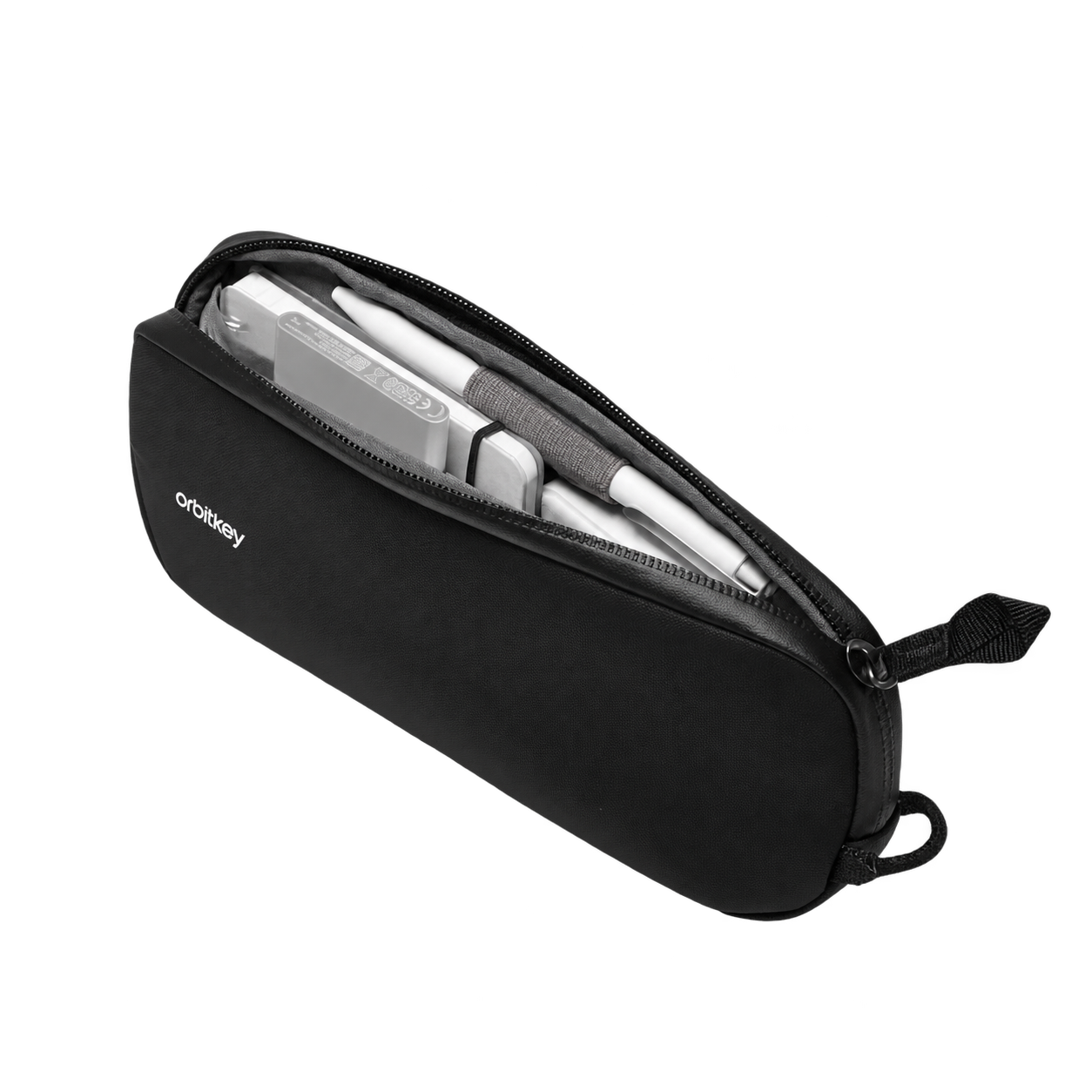
Compact storage for the cables and small accessories I carry on the go.
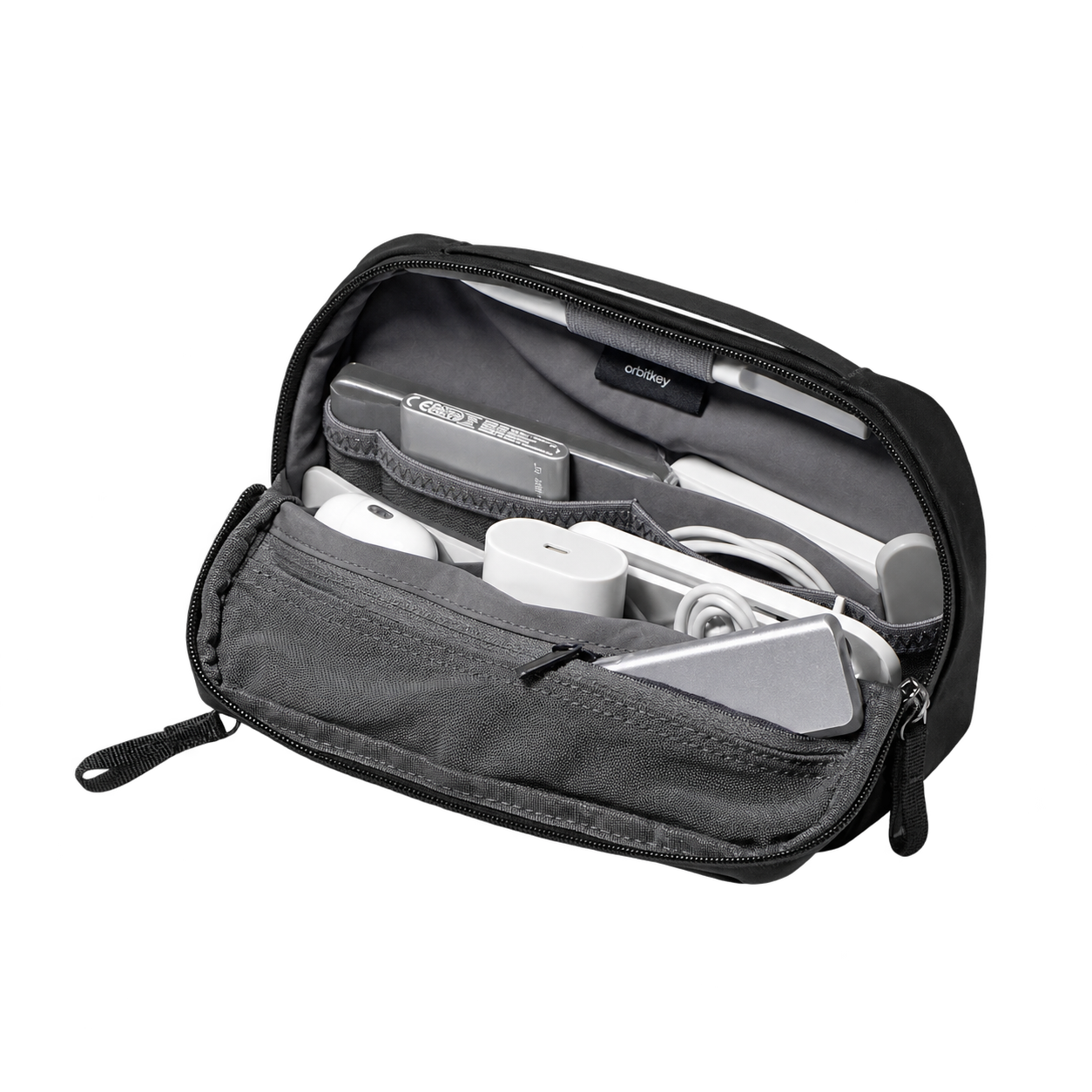
An organiser for keeping chargers, cables, and everyday tech essentials together.
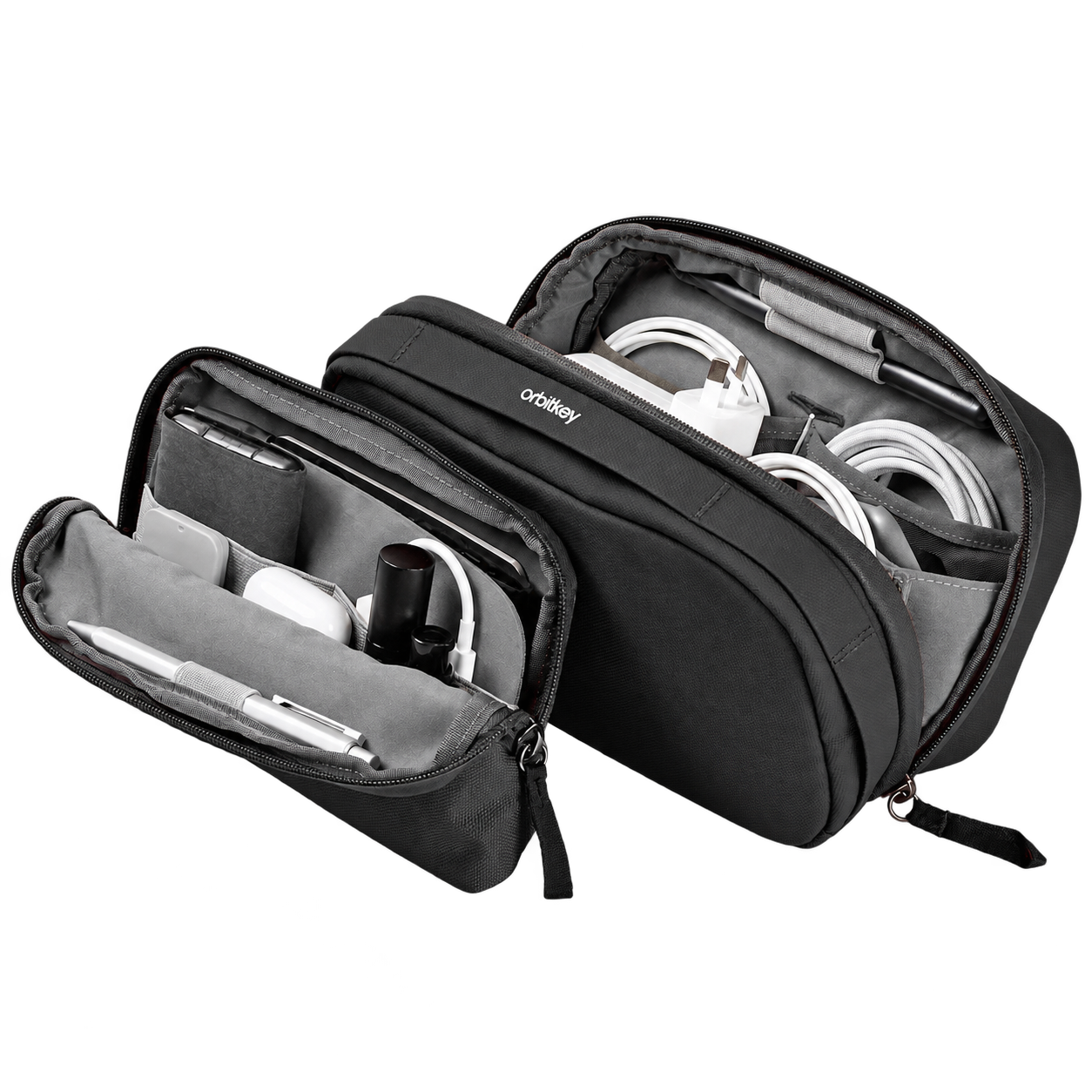
A carry pouch with a detachable desk pouch for a flexible travel setup.
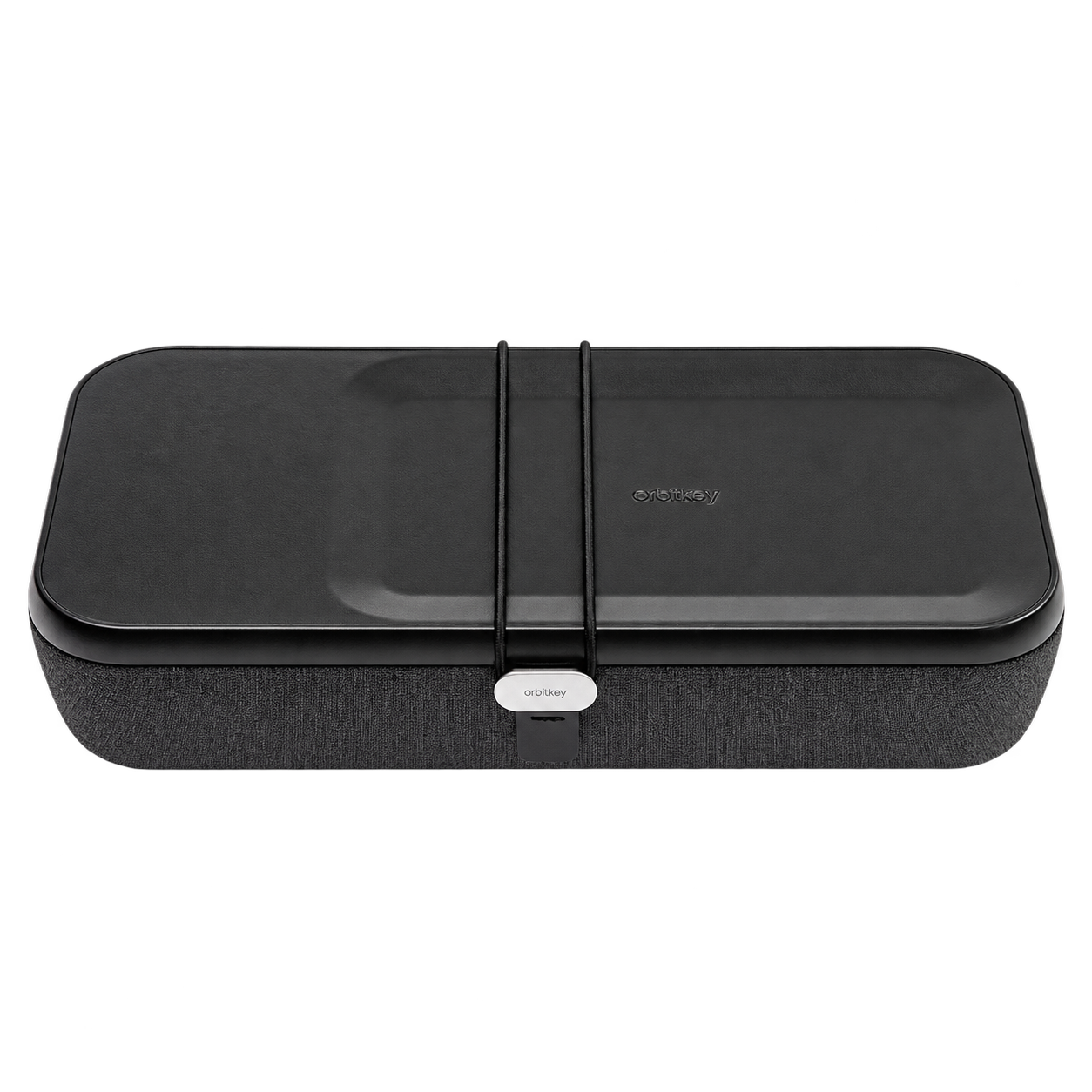
A portable desk organiser with adjustable storage and wireless charging.
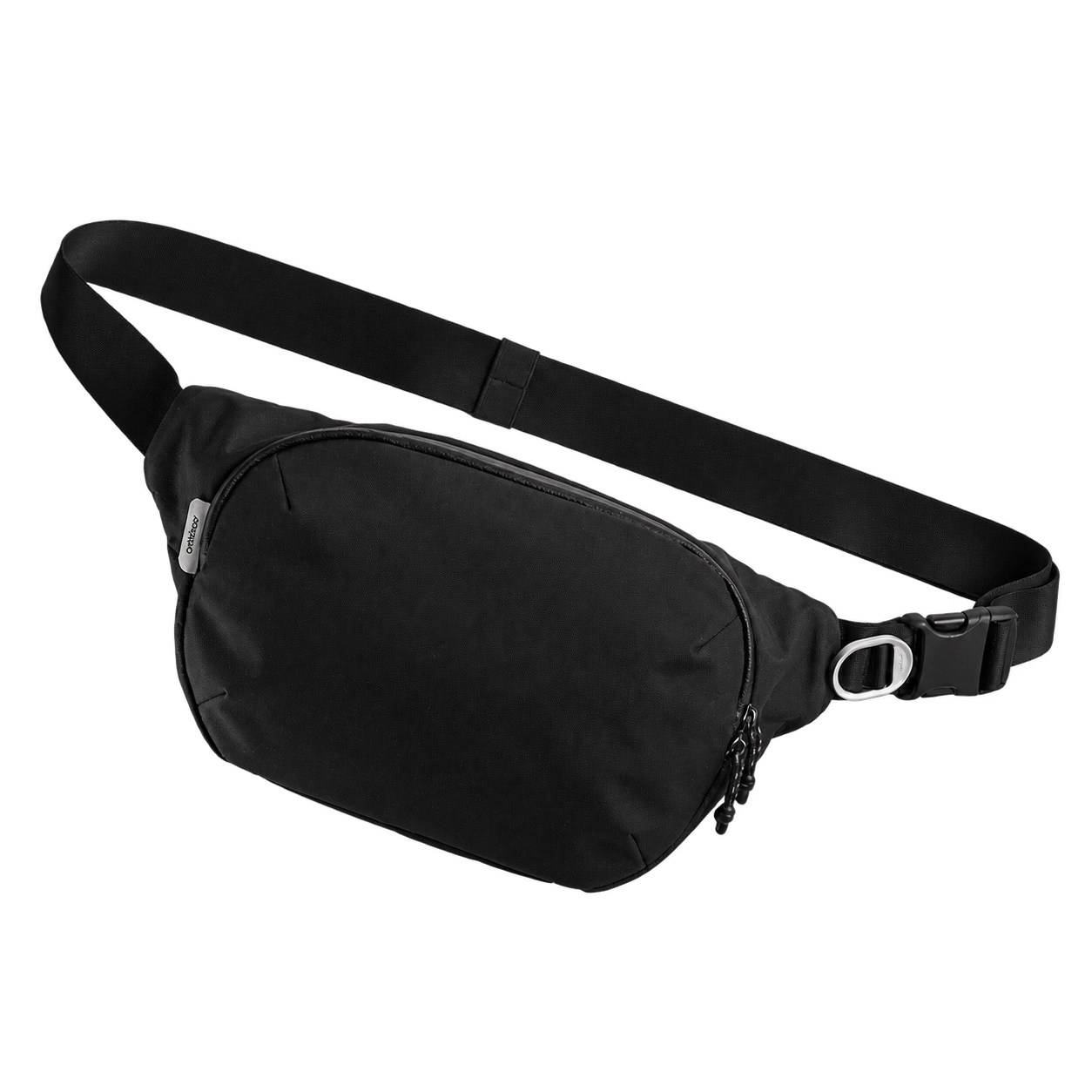
A compact sling for everyday tech and travel essentials.
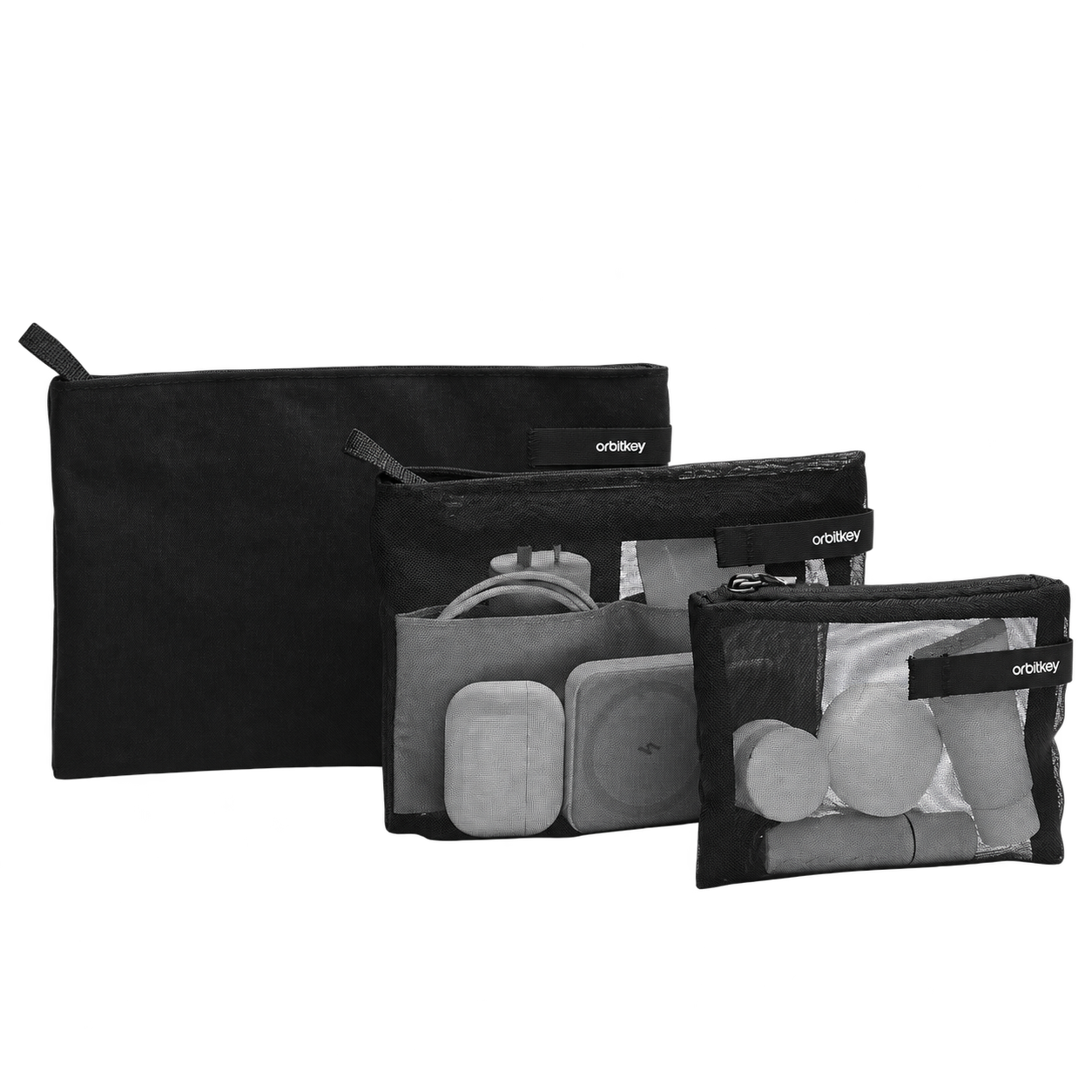
Three pouches for organising small tech, travel, and personal items.
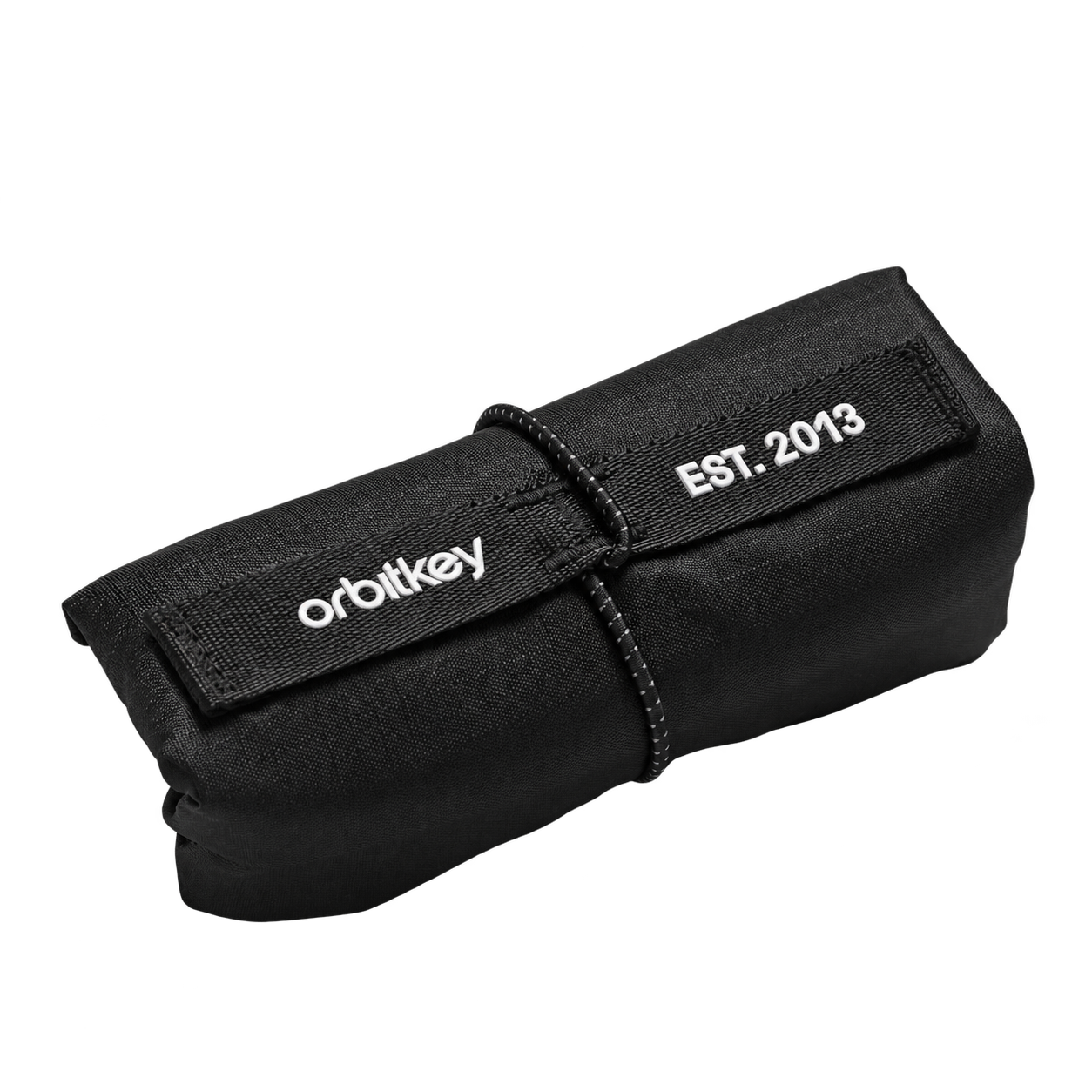
A packable tote for extra carrying space when plans change.
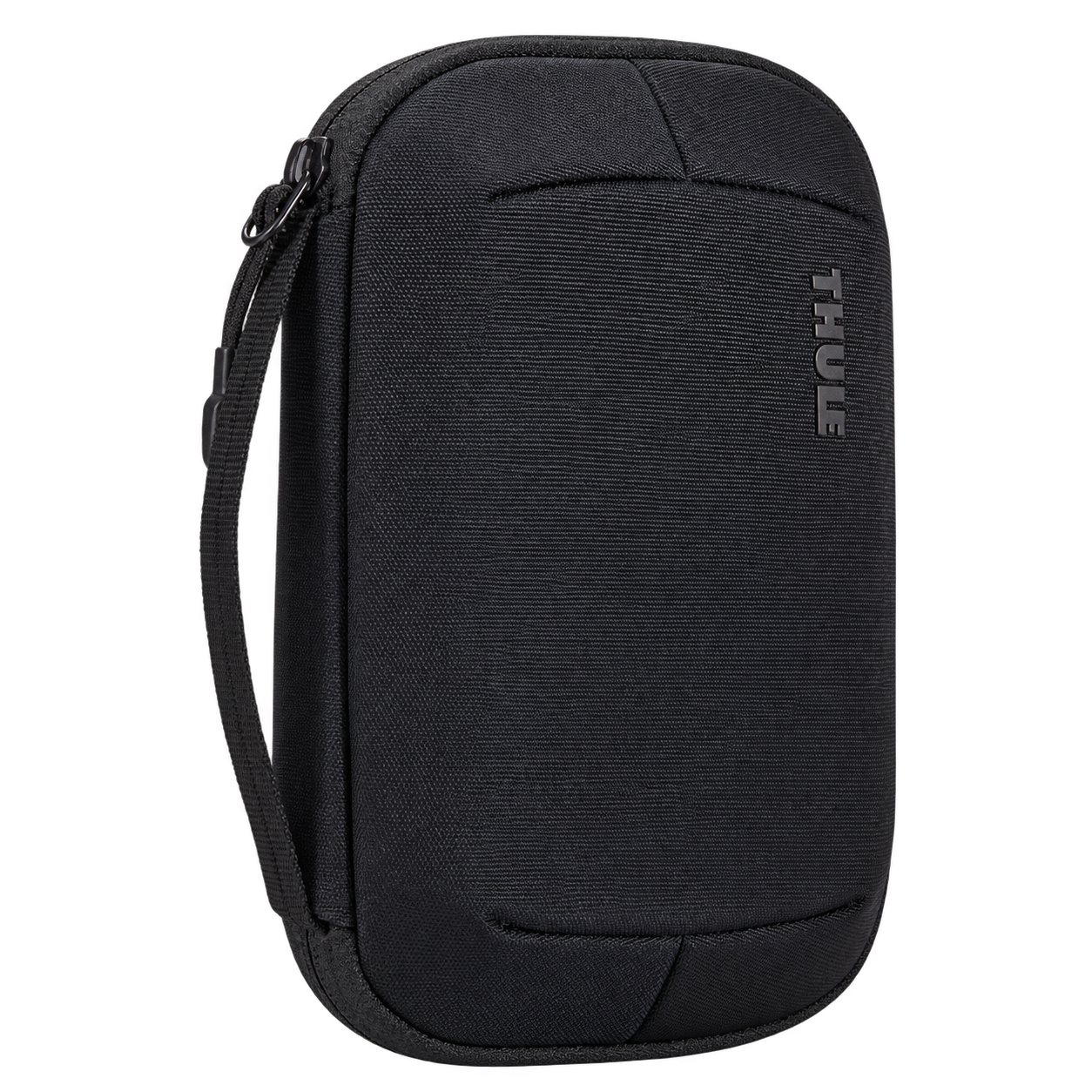
An electronics organiser for cables, chargers, and travel essentials.
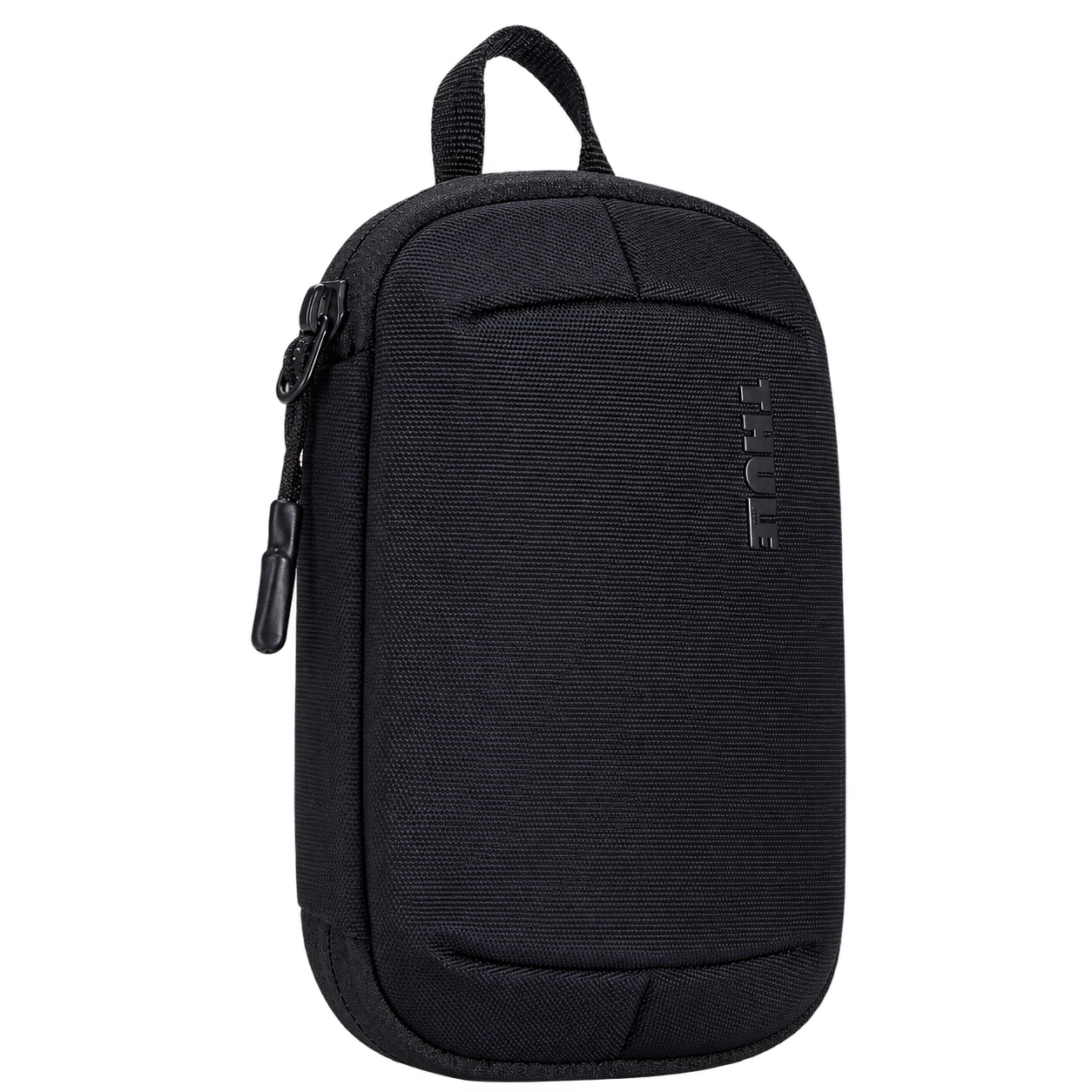
Compact storage for cables, adapters, and smaller tech accessories.
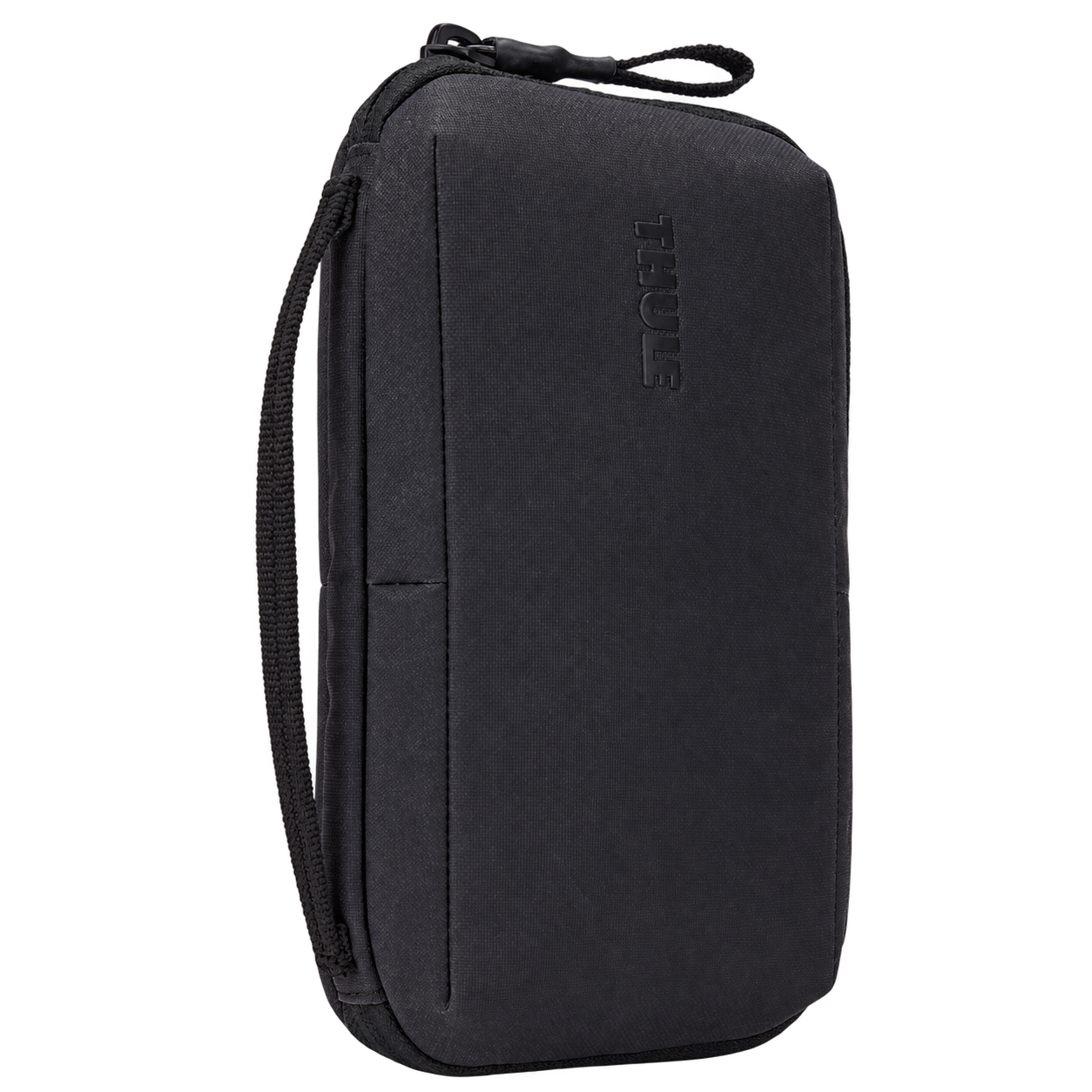
A travel organiser with a detachable pouch for documents and essentials.
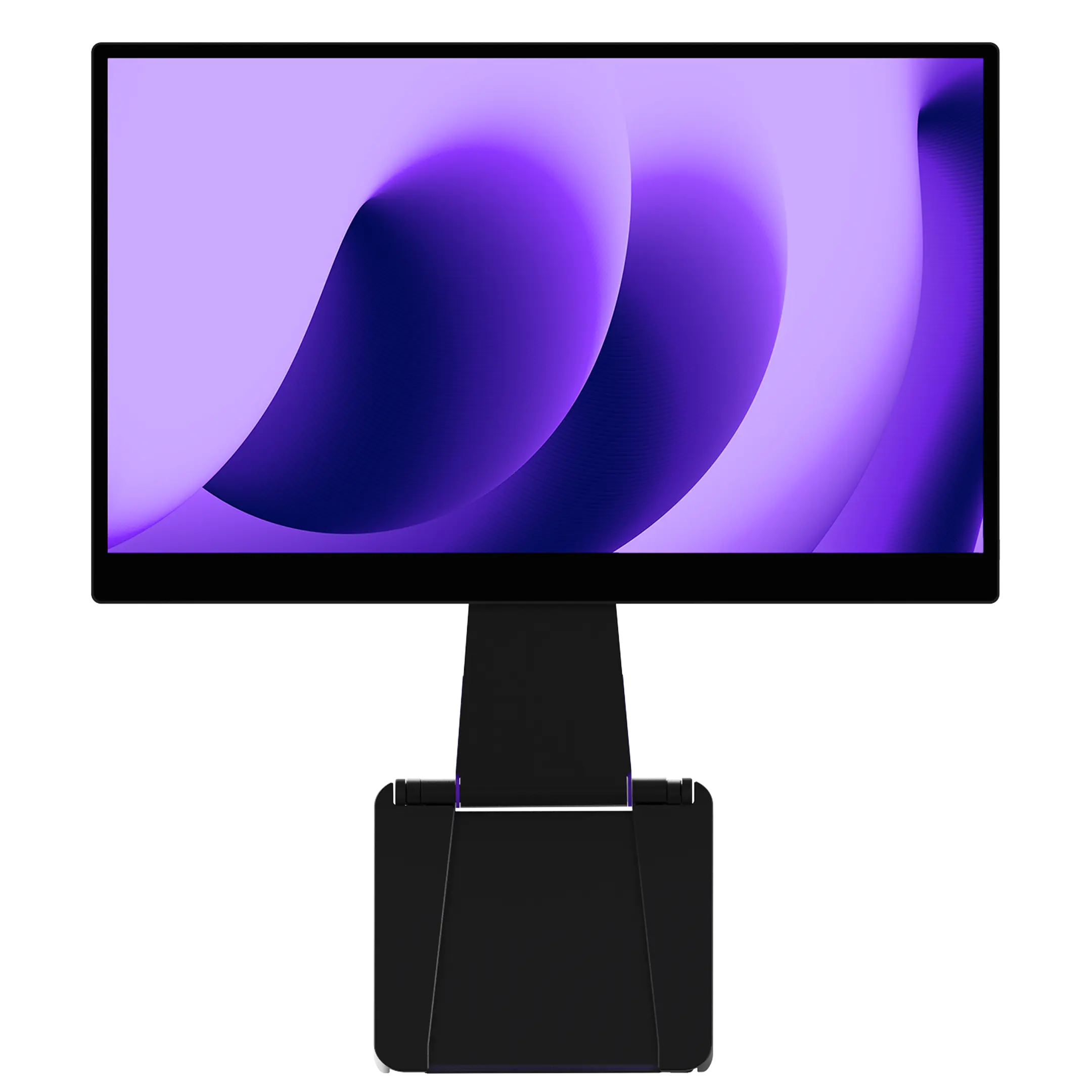
A portable 4K touchscreen for a larger workspace on the go.
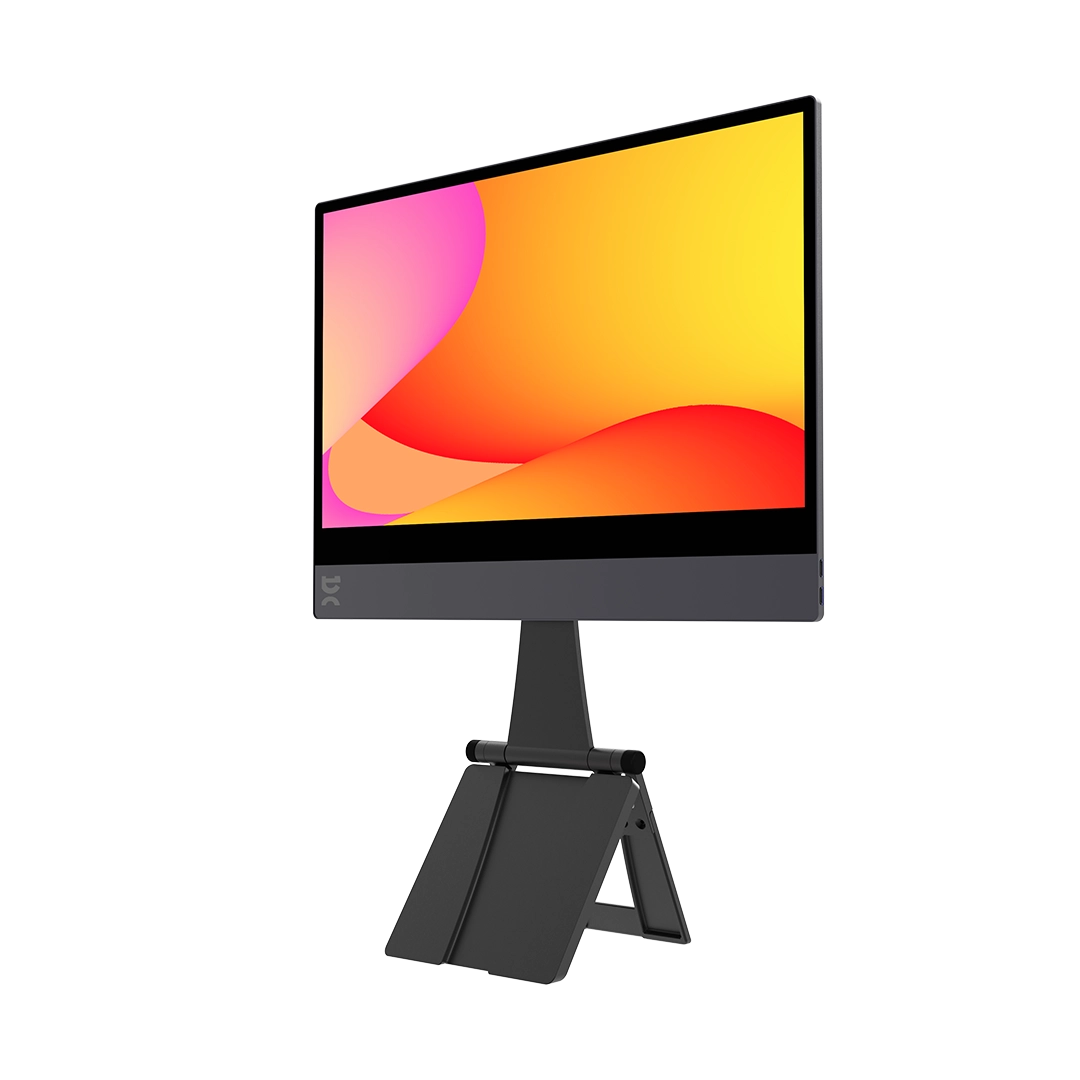
A lightweight 15.6-inch non-touch screen for a portable two-screen setup.
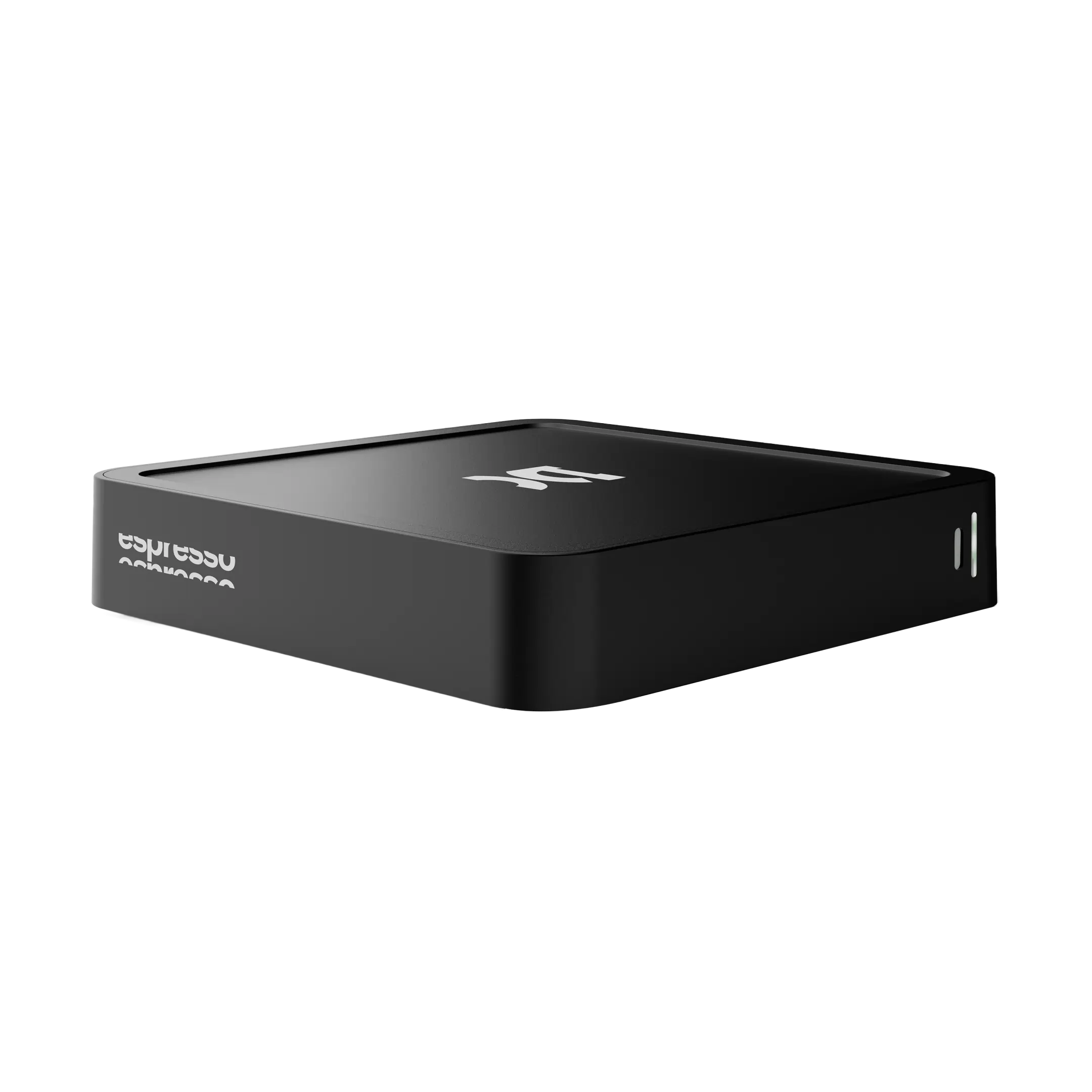
Portable USB-C power for my display and laptop setup.
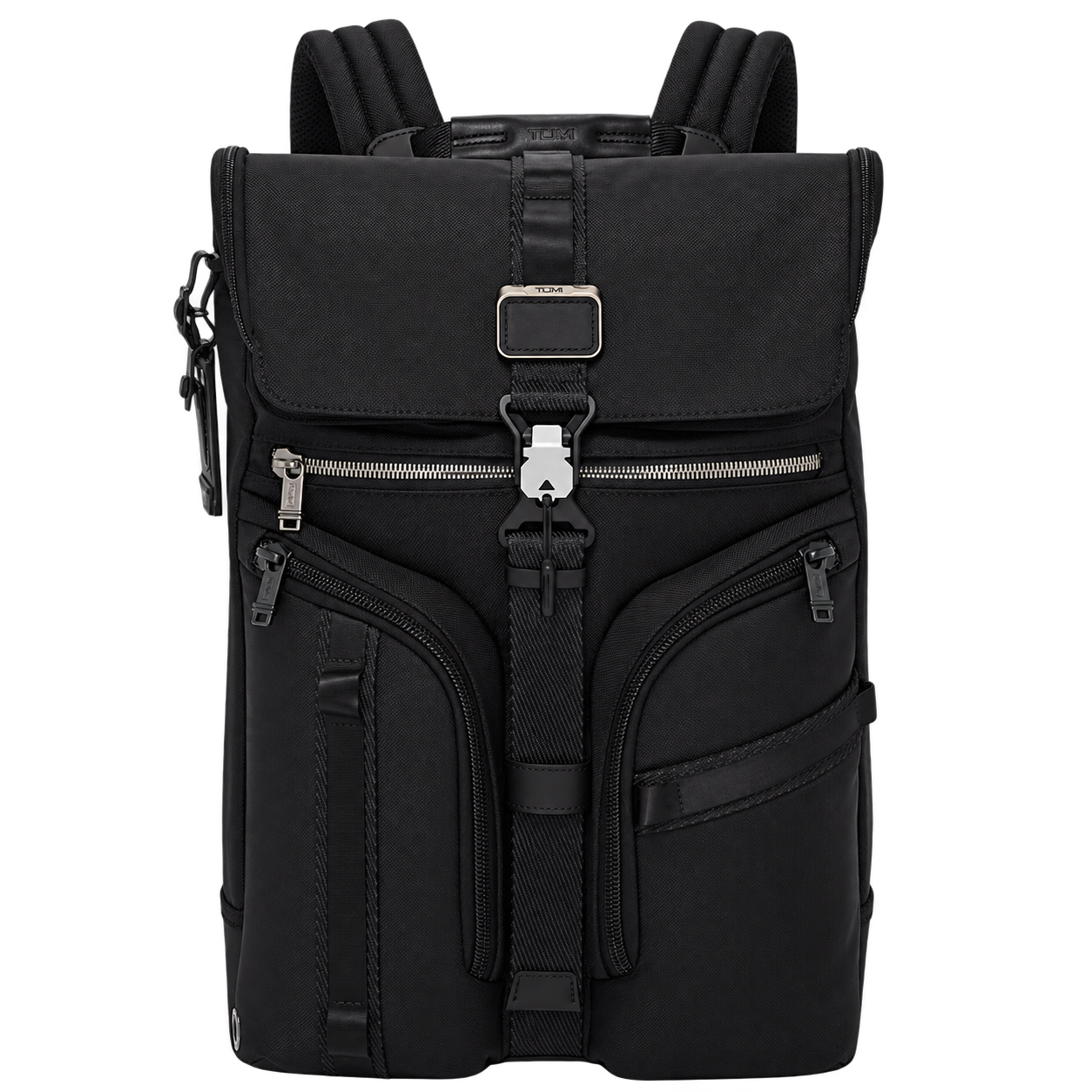
A backpack for carrying my everyday tech and travel kit.
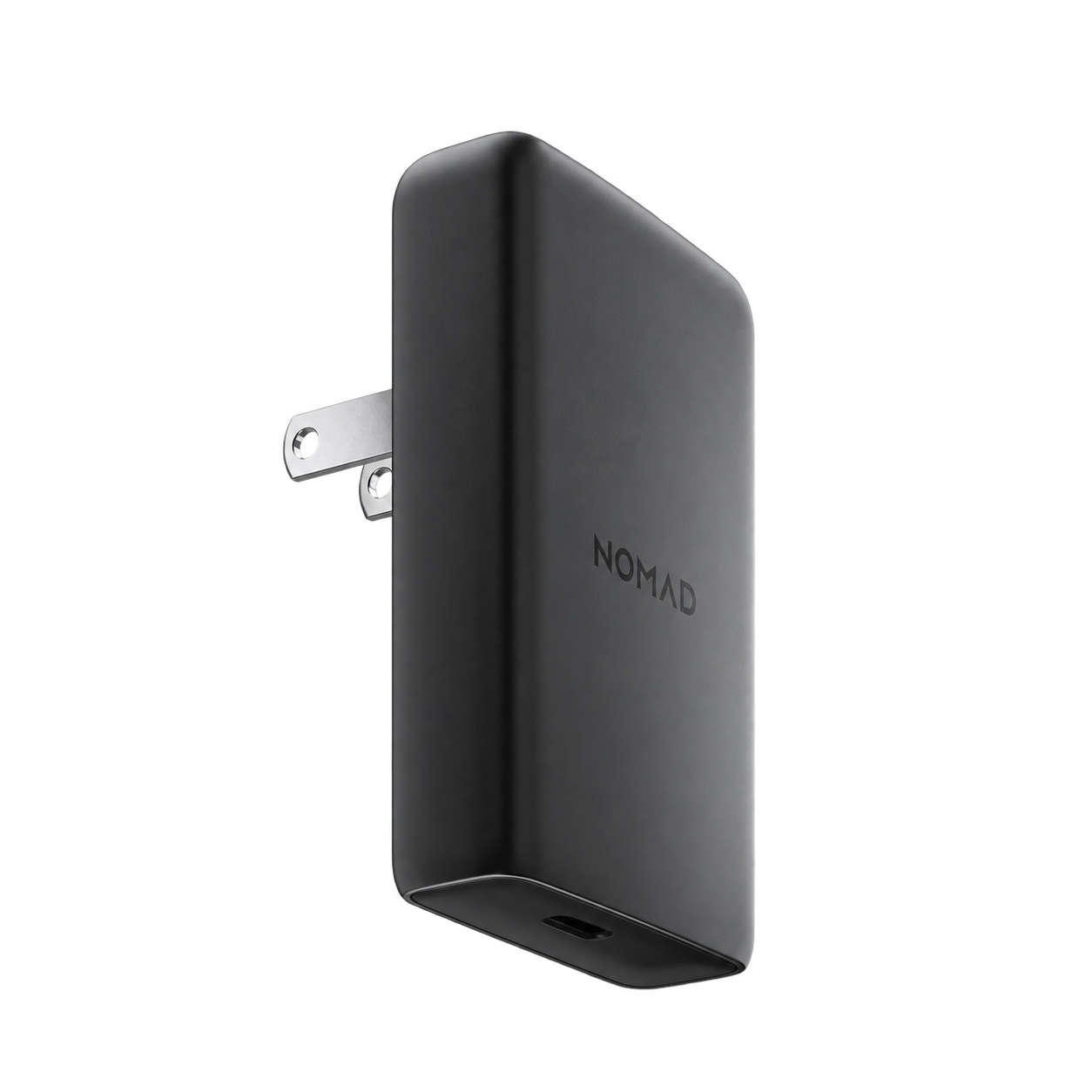
A slim USB-C charger for a compact travel kit.
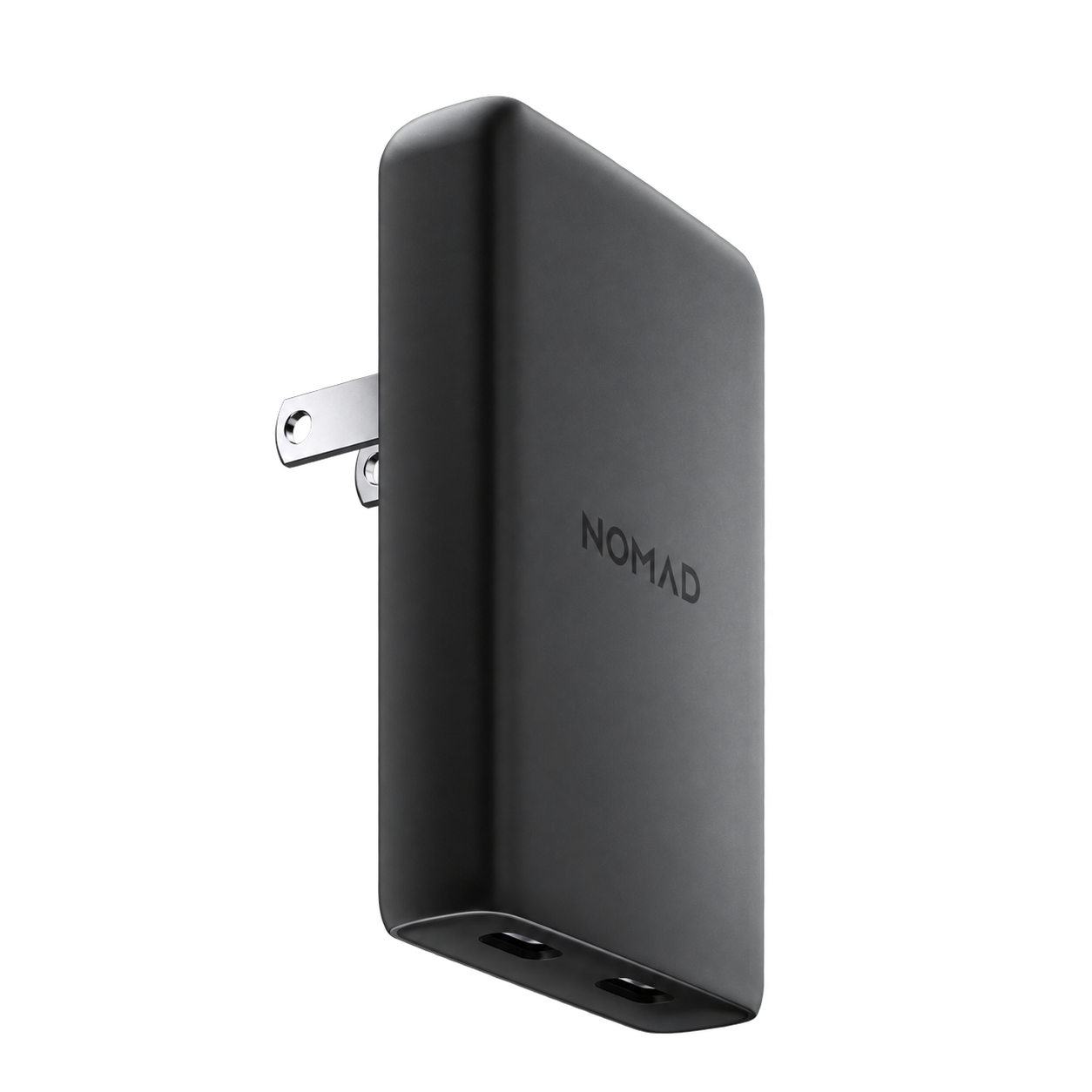
More power in a slim charger for everyday tech and travel.
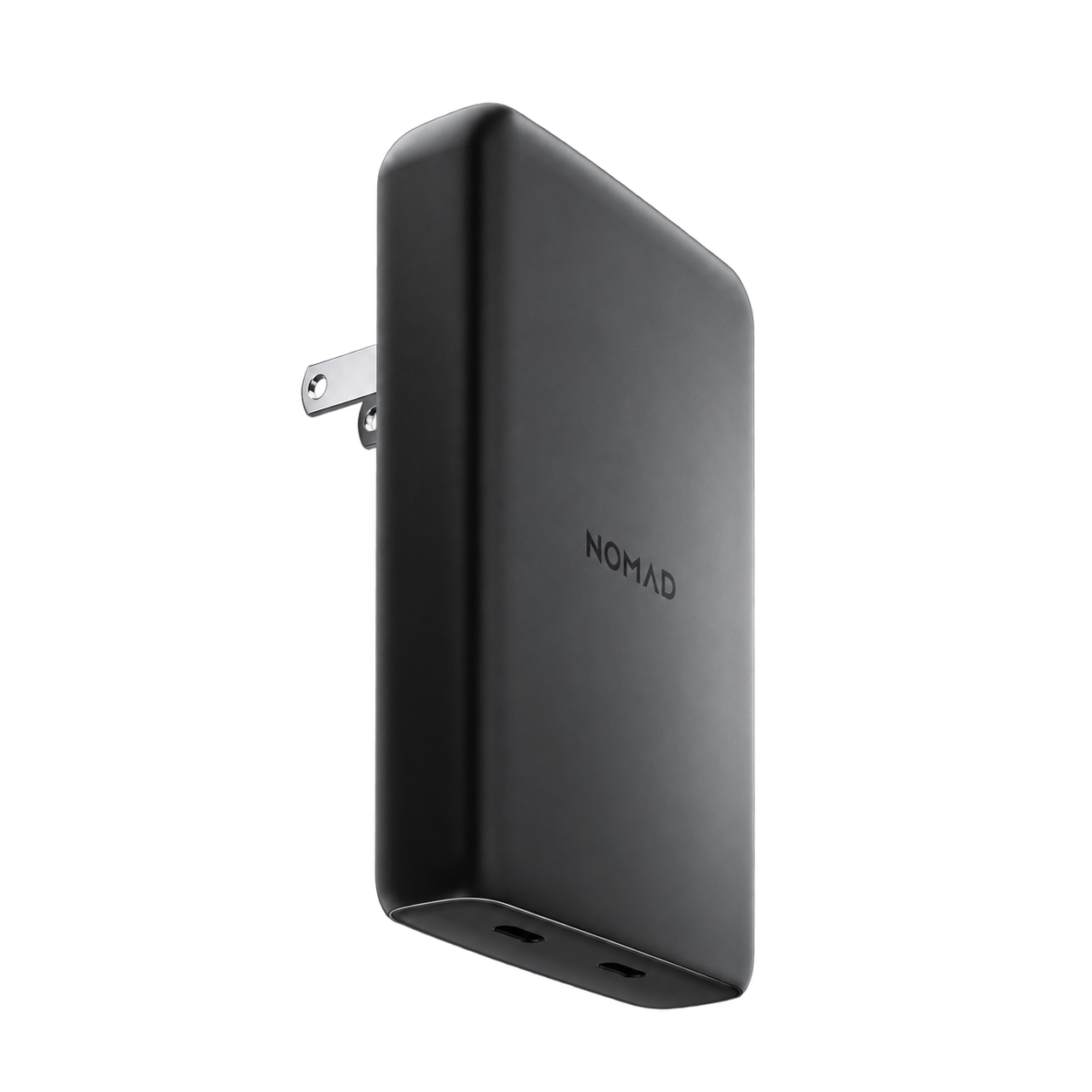
A slim dual-port charger for powering a portable workspace.
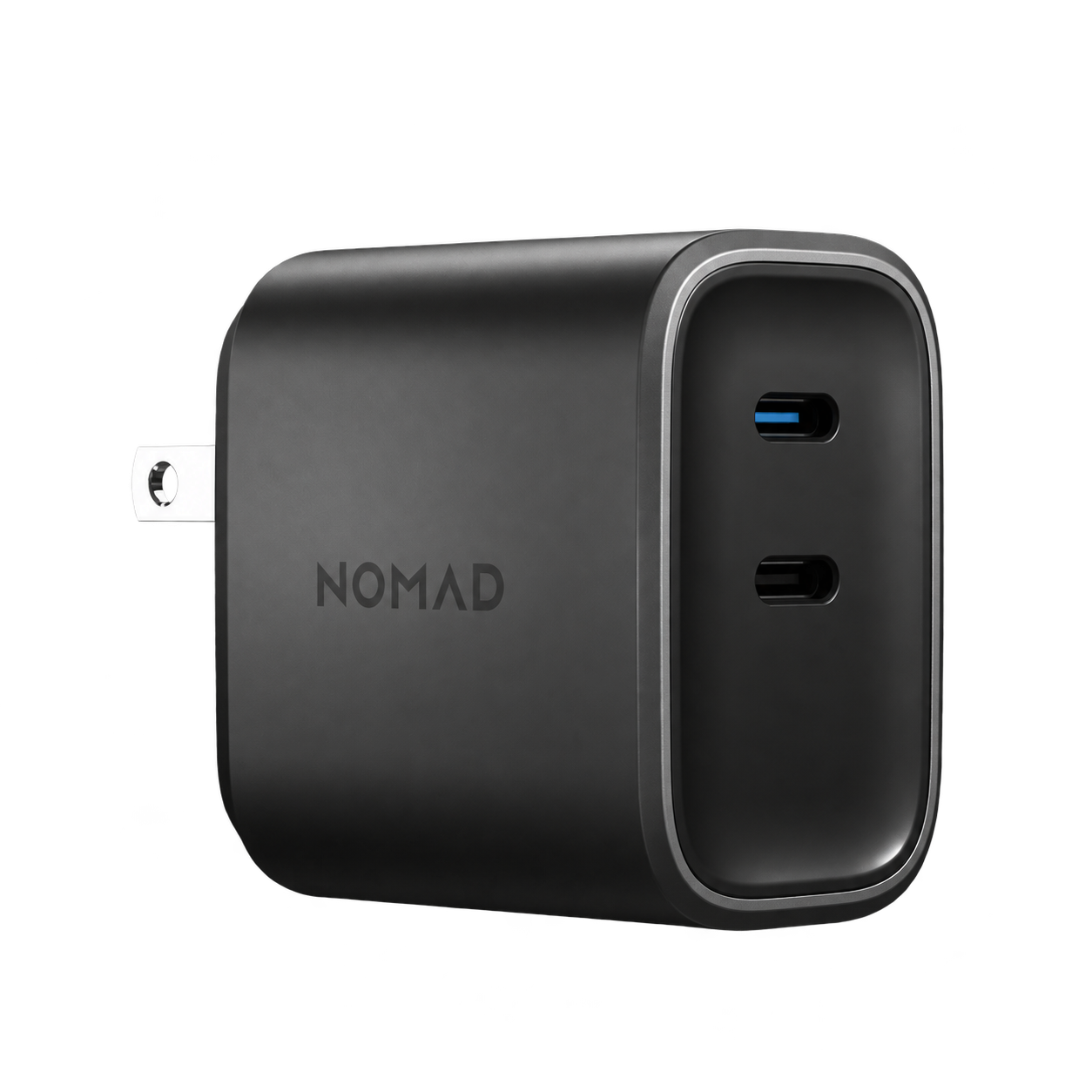
A compact dual USB-C charger for home or travel.
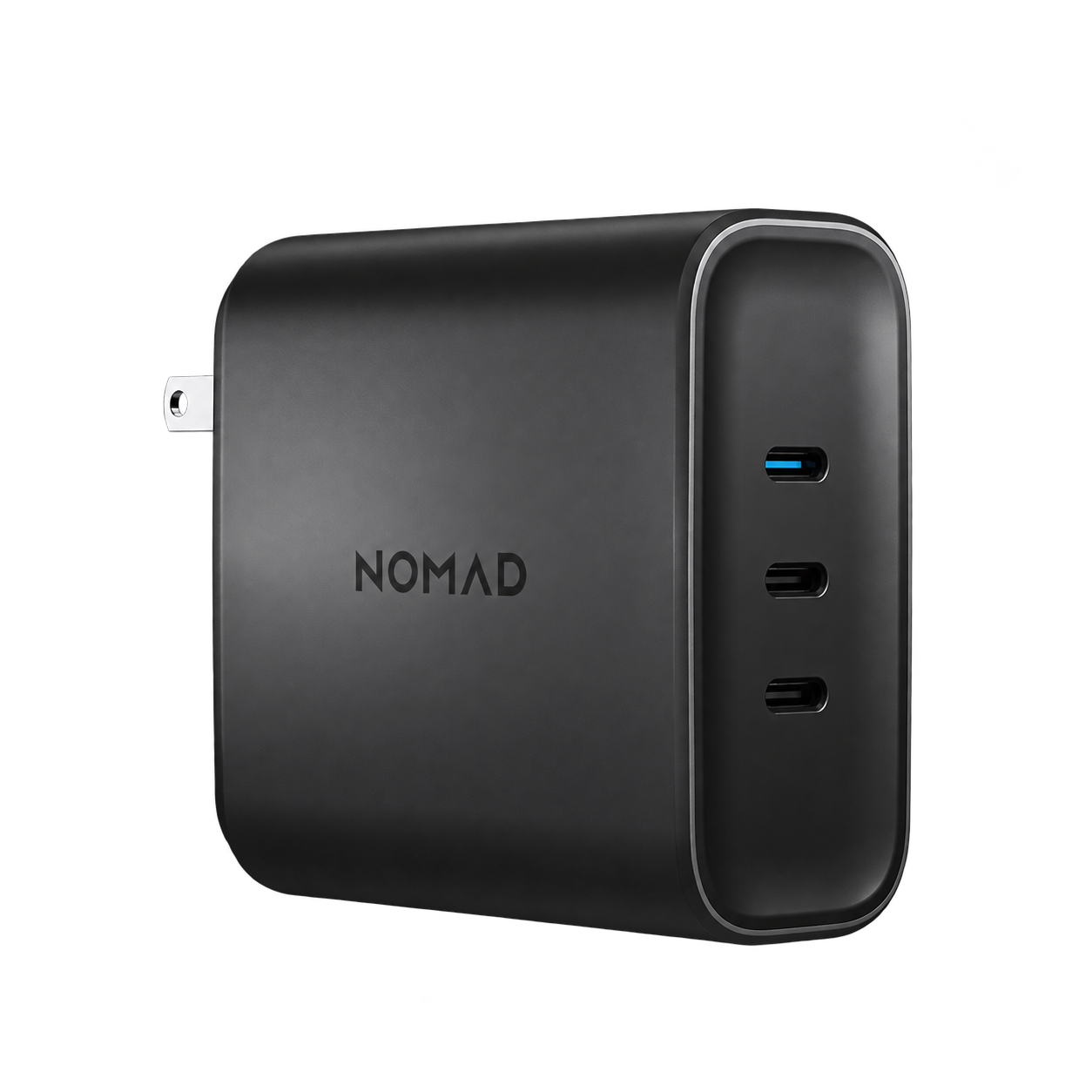
Three USB-C ports for keeping a multi-device kit powered.
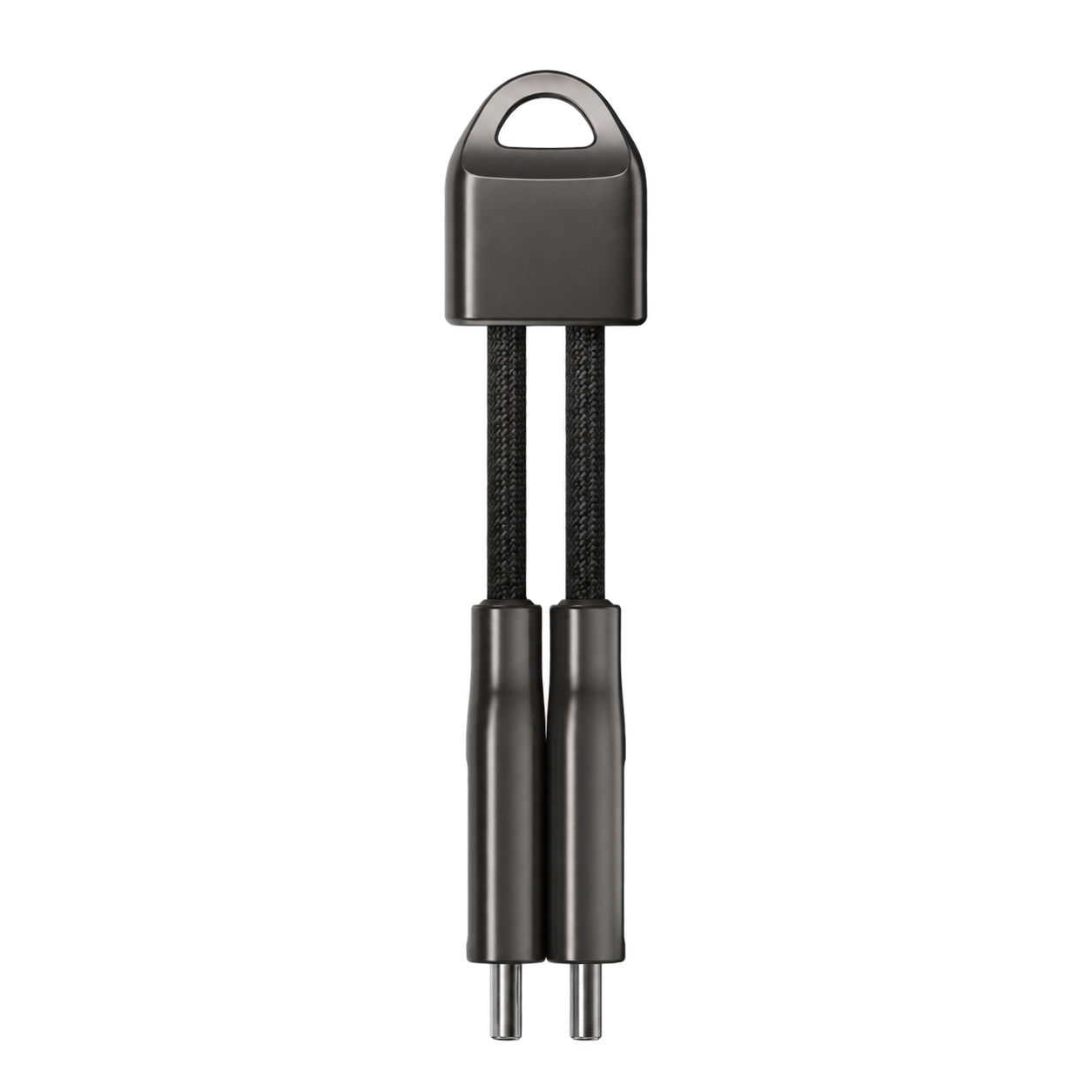
A pocket-sized USB-C cable that stays on my keychain.
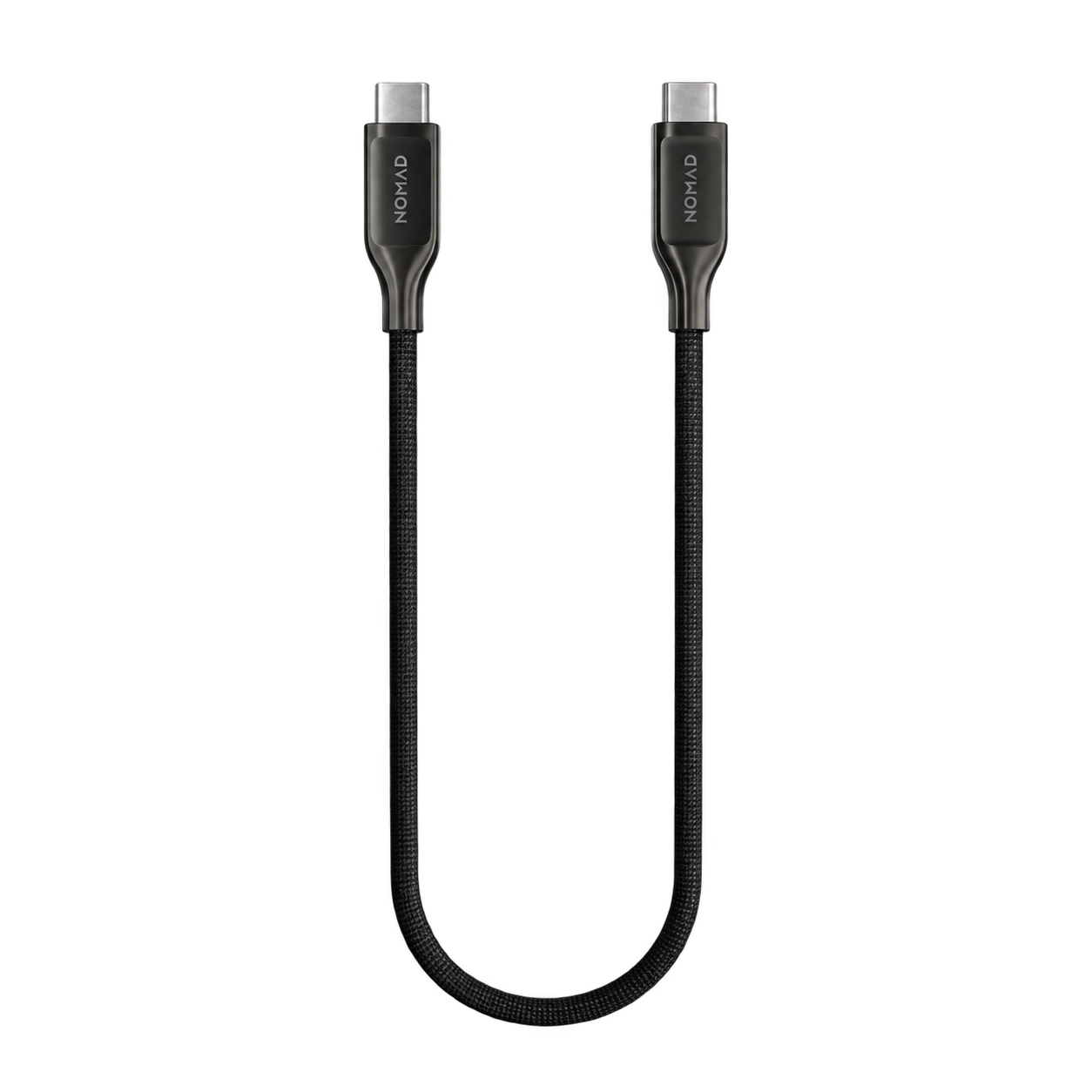
A short Kevlar-reinforced cable for a tidy portable setup.
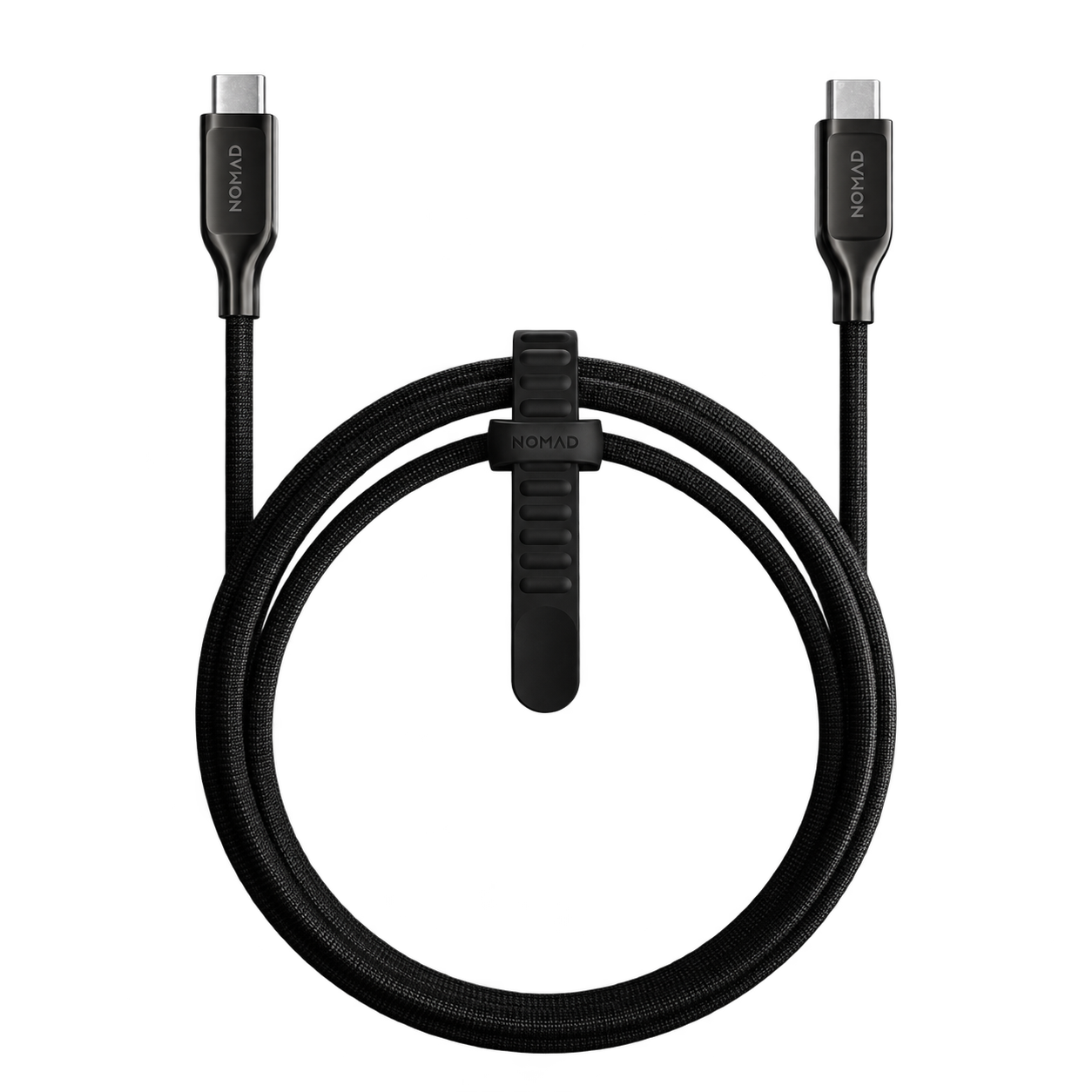
A longer Kevlar-reinforced cable for extra reach at the desk.
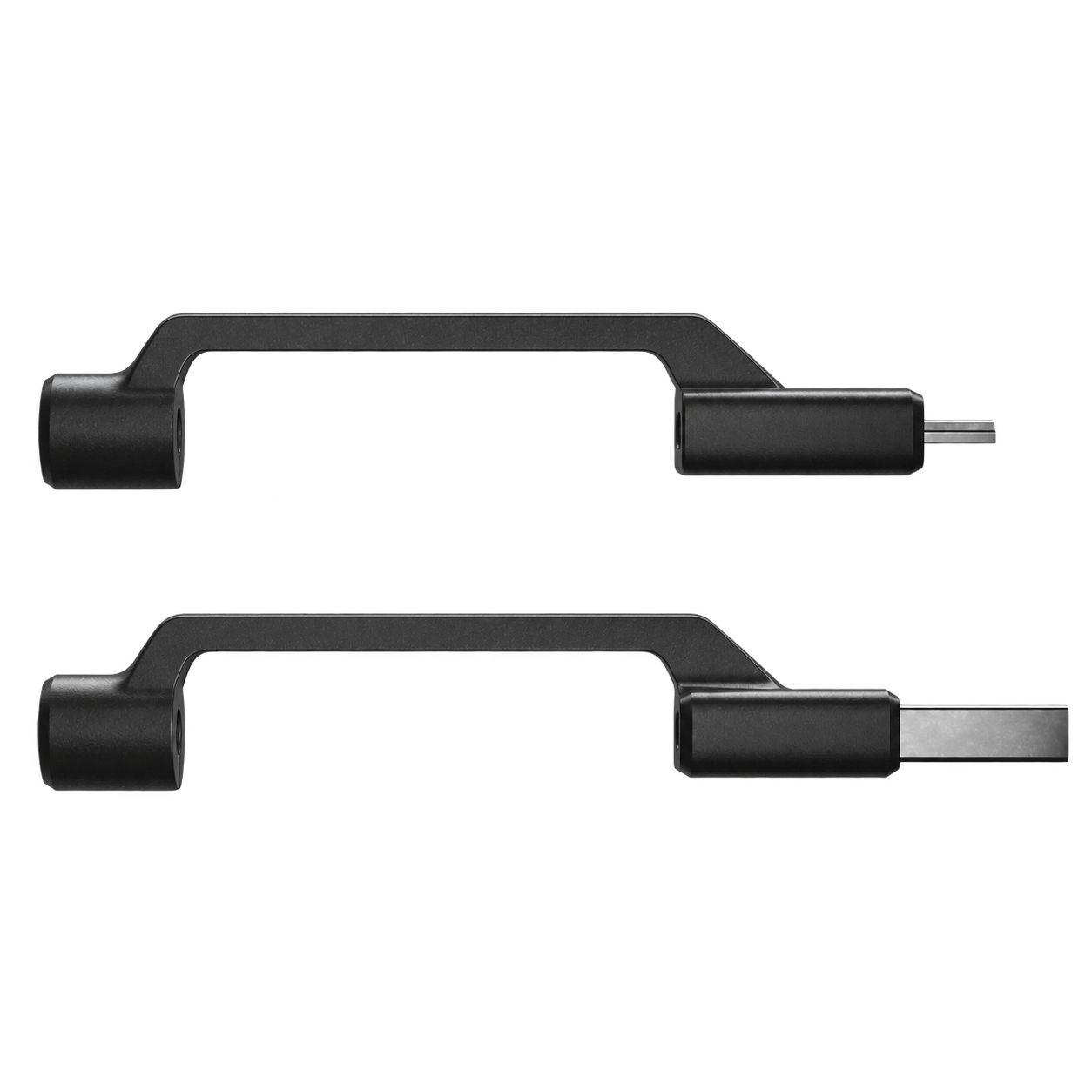
USB-A and Micro-USB adapters for a more flexible cable kit.
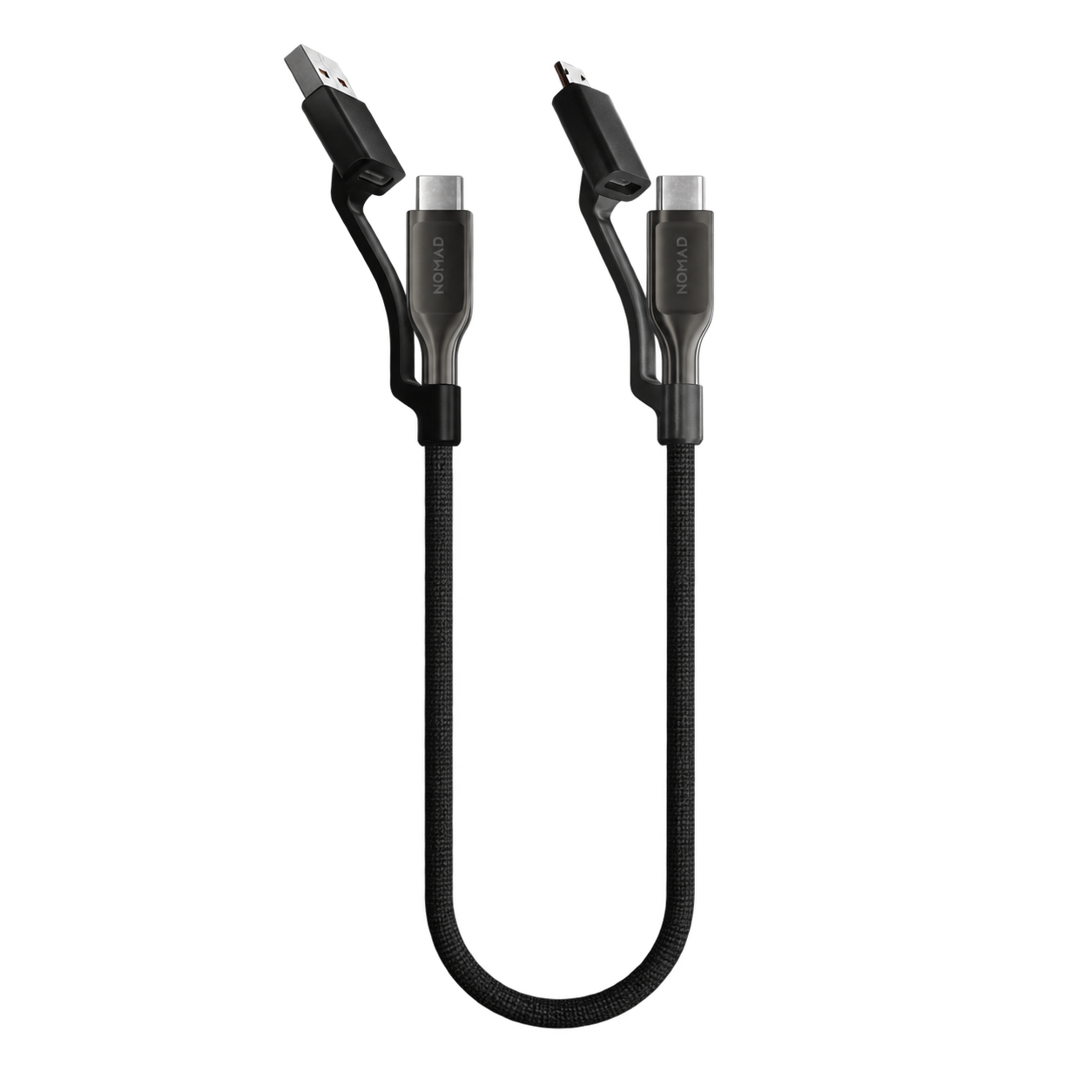
A short cable with multiple connectors for travel essentials.
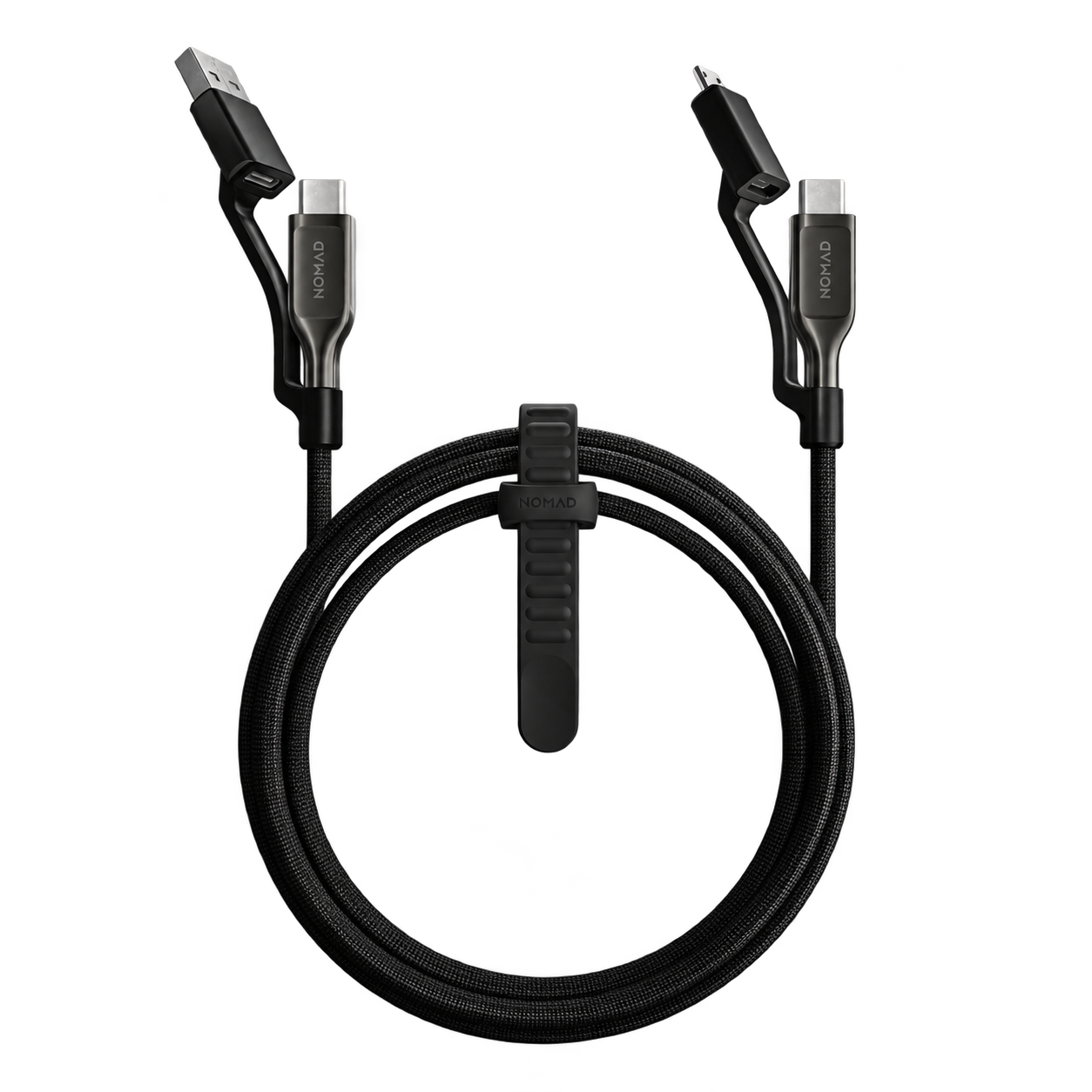
Extra reach and multiple connectors in one reinforced cable.
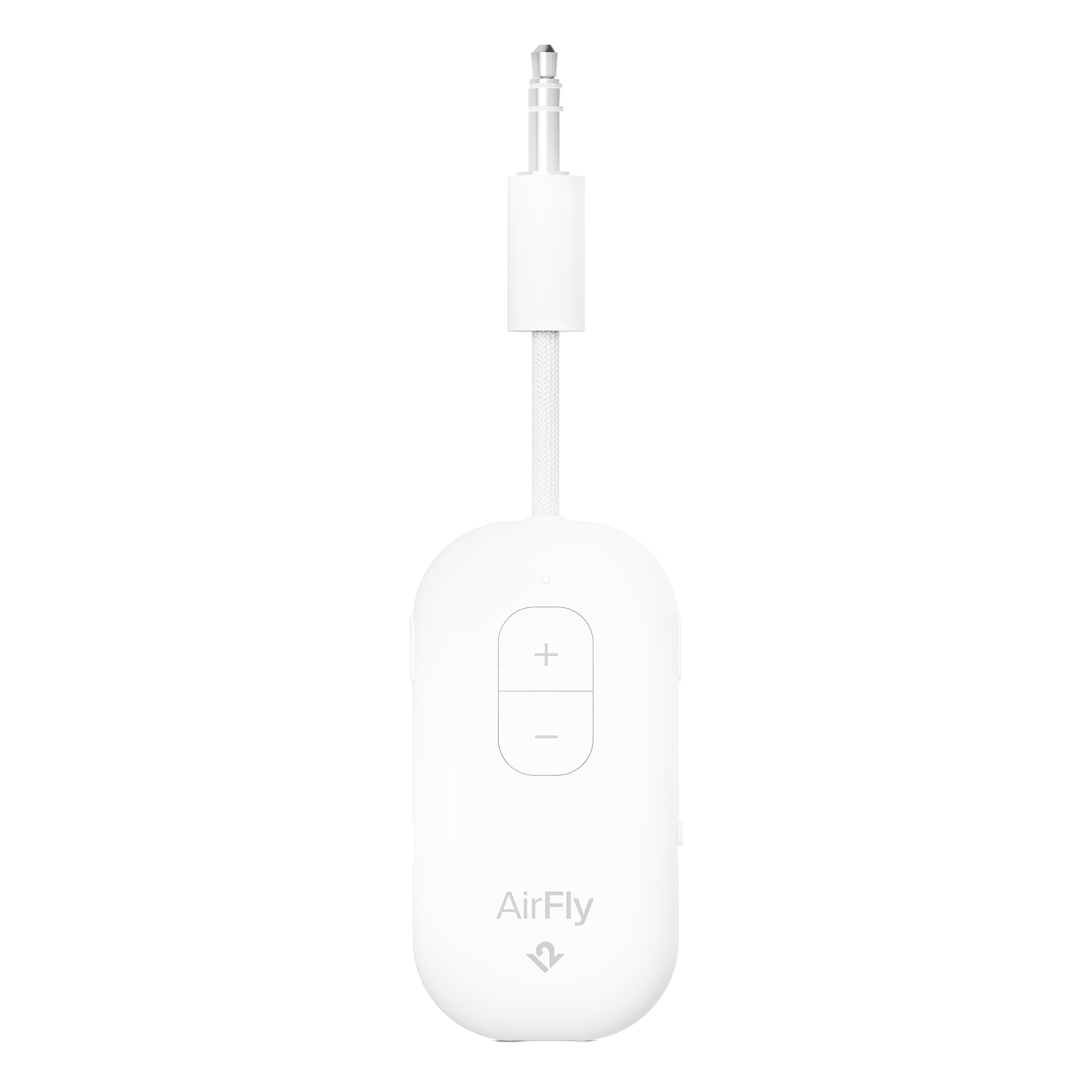
Wireless headphone listening from an airplane or other headphone jack.
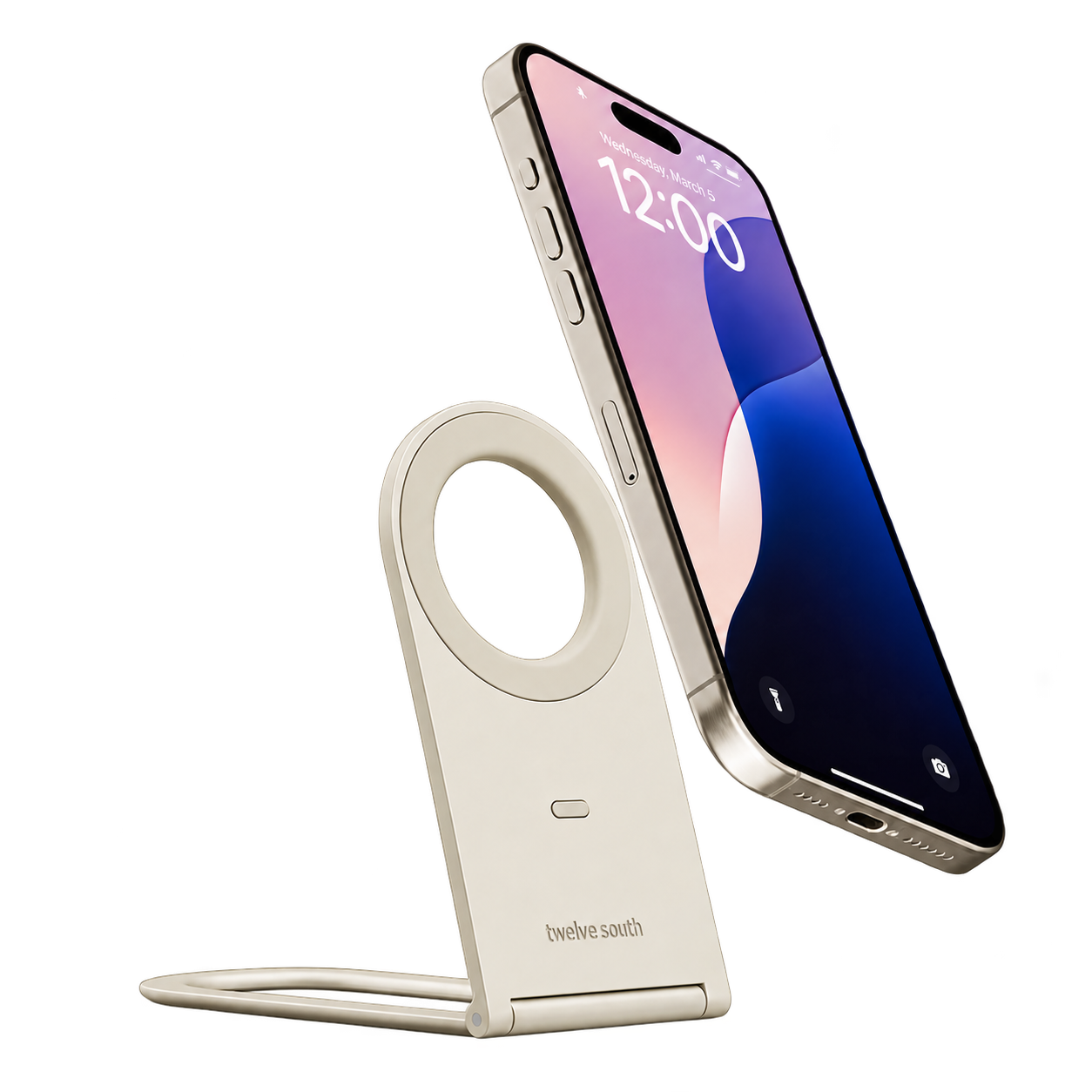
A fold-flat magnetic phone stand for calls, viewing, and travel.
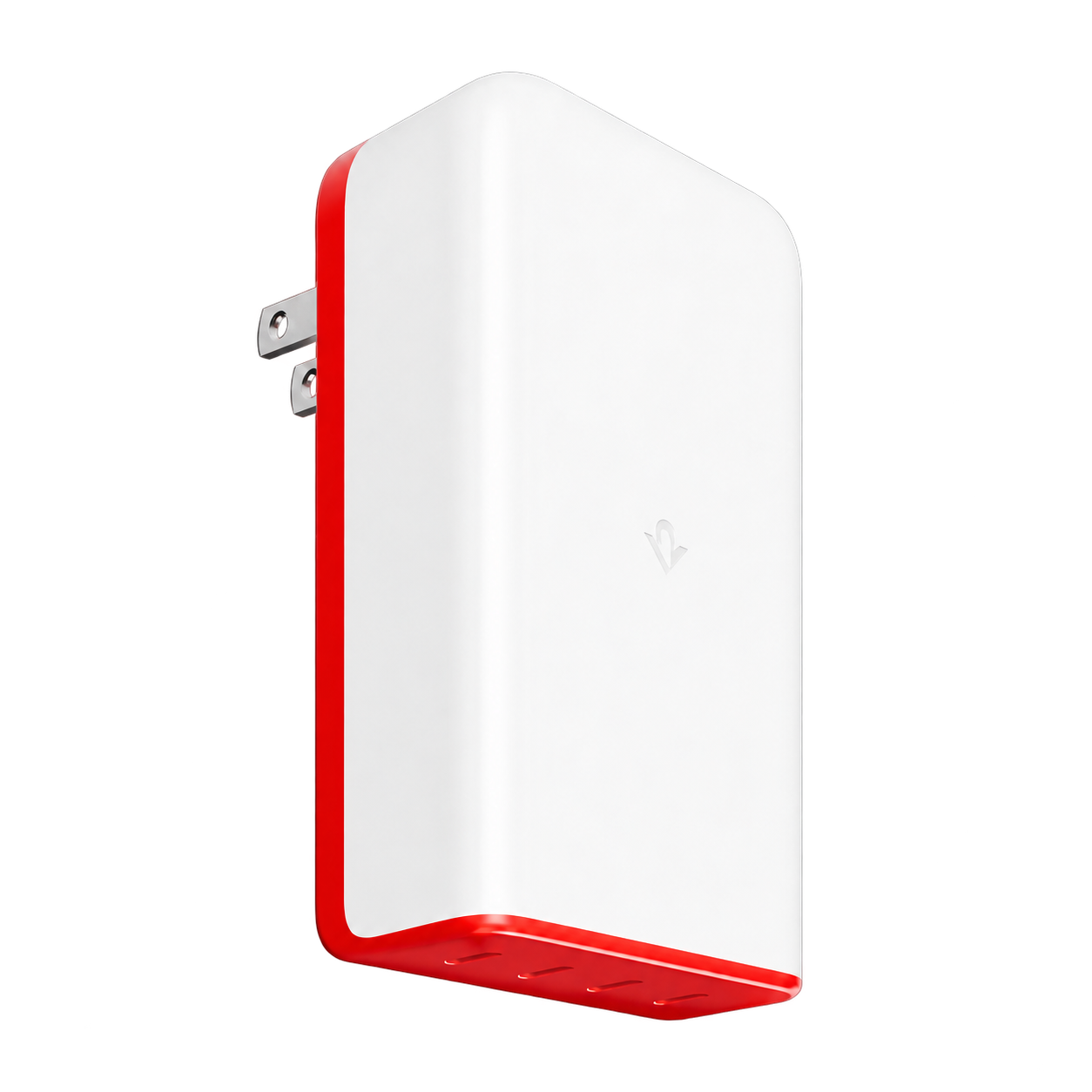
A multiport USB-C charger you can locate with Apple Find My.
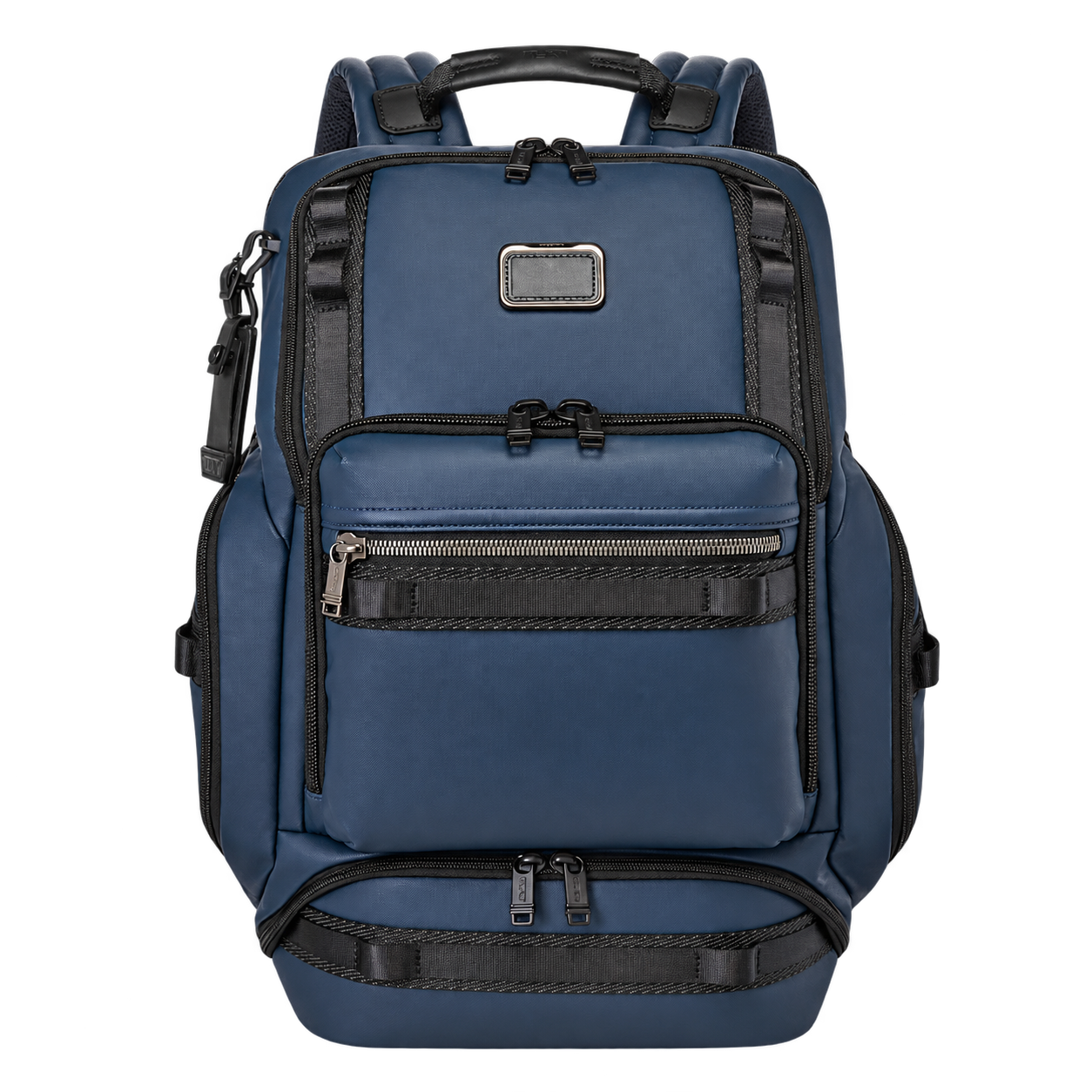
A spacious coated canvas backpack for a larger portable workspace.
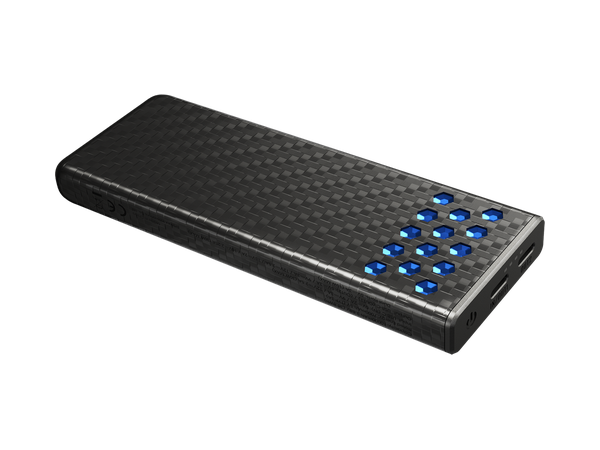
A 10,000mAh carbon-fiber power bank with up to 30W fast charging.
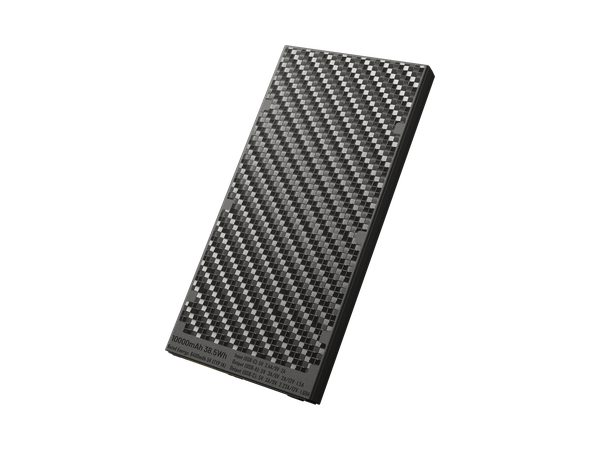
A lightweight 10,000mAh power bank with USB-C and USB-A ports.
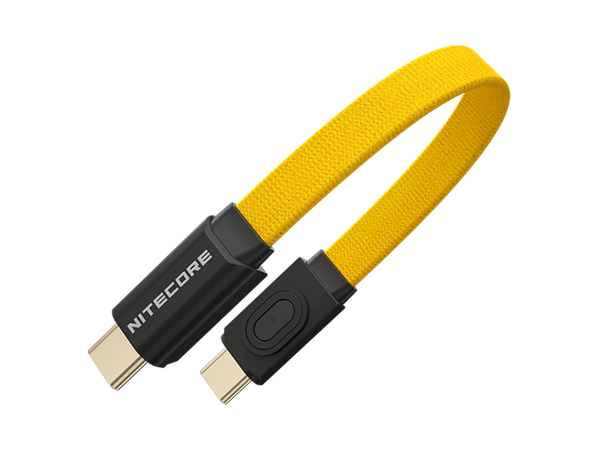
A compact USB-C charging cable with magnetic ends for easy storage.
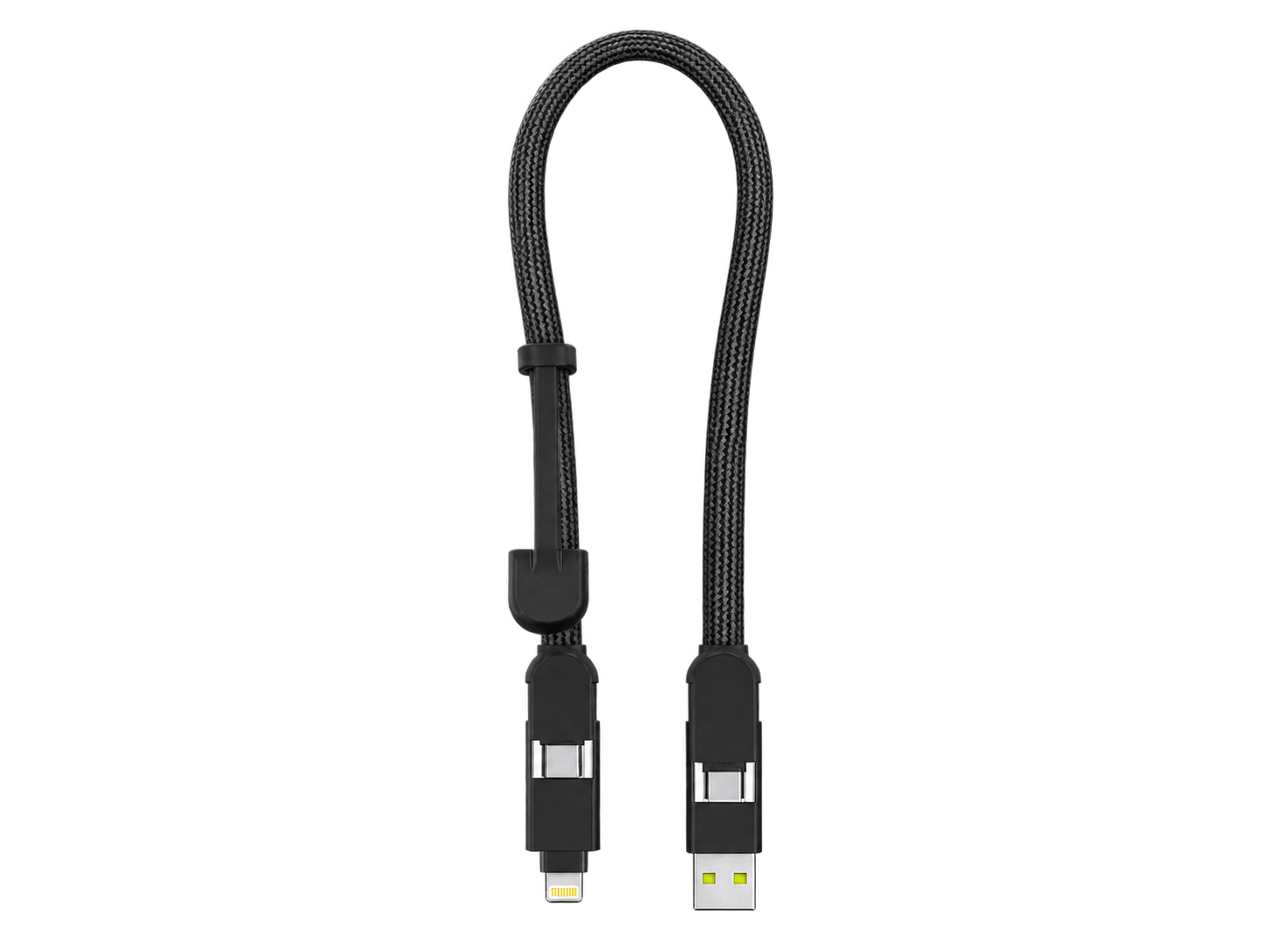
A 30cm 6-in-1 travel cable with integrated adapters and up to 100W USB-C charging.
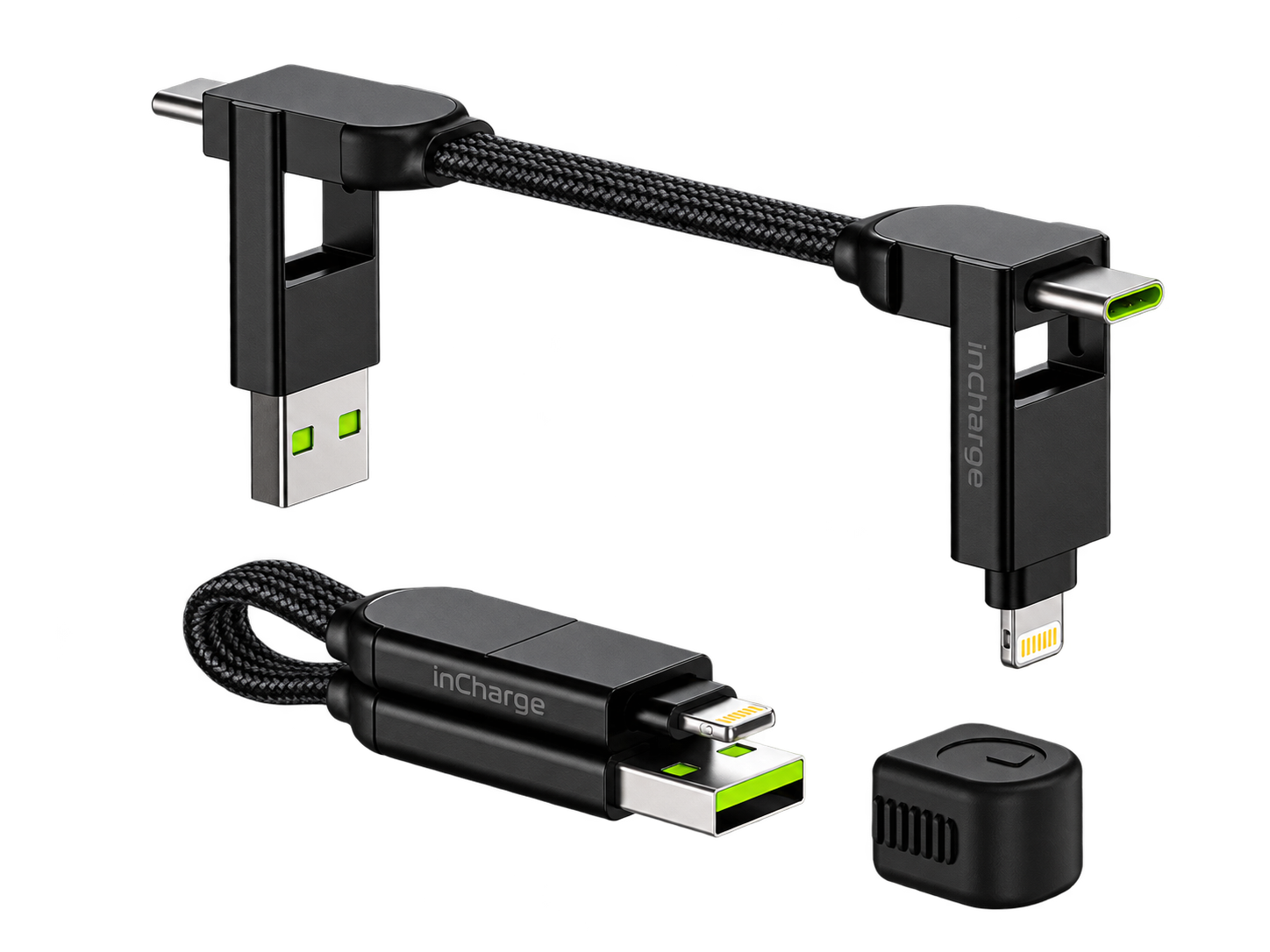
A pocket-sized 6-in-1 keyring cable for charging across multiple connector types.
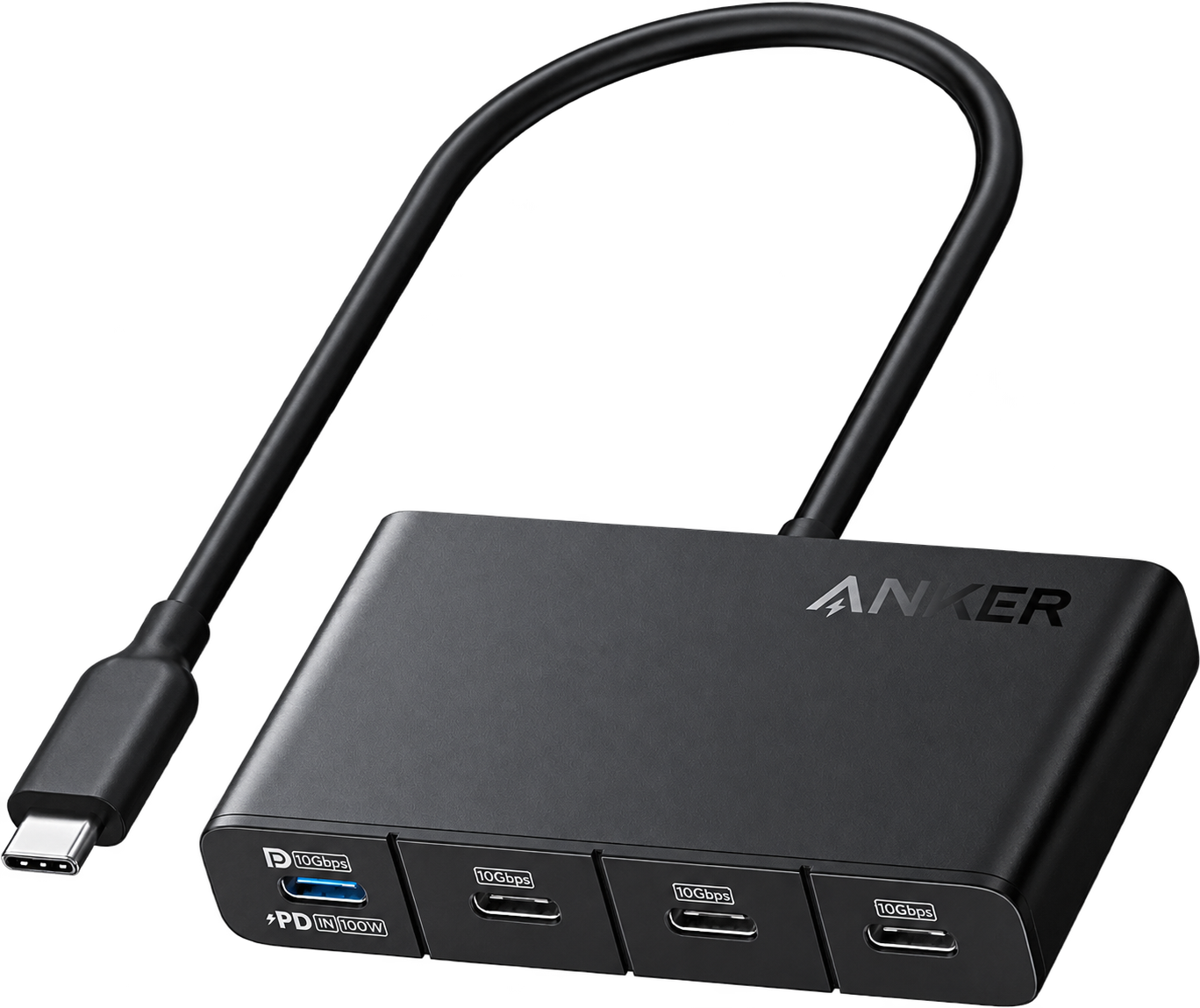
A compact four-port USB-C hub for 4K display output, fast data transfer and pass-through charging.
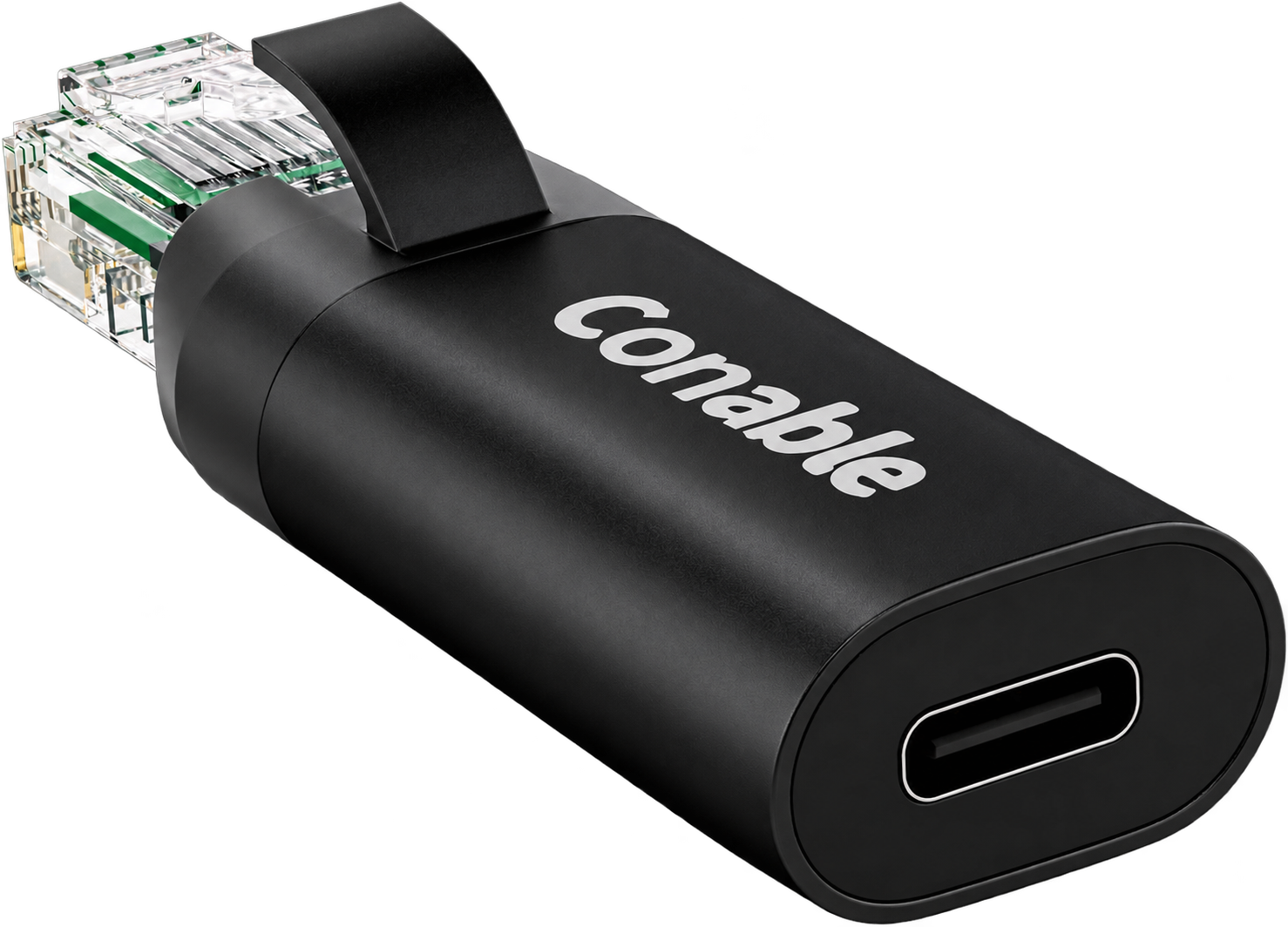
A compact RJ45 male-to-USB-C female adapter for a wired network connection using a compatible USB cable.
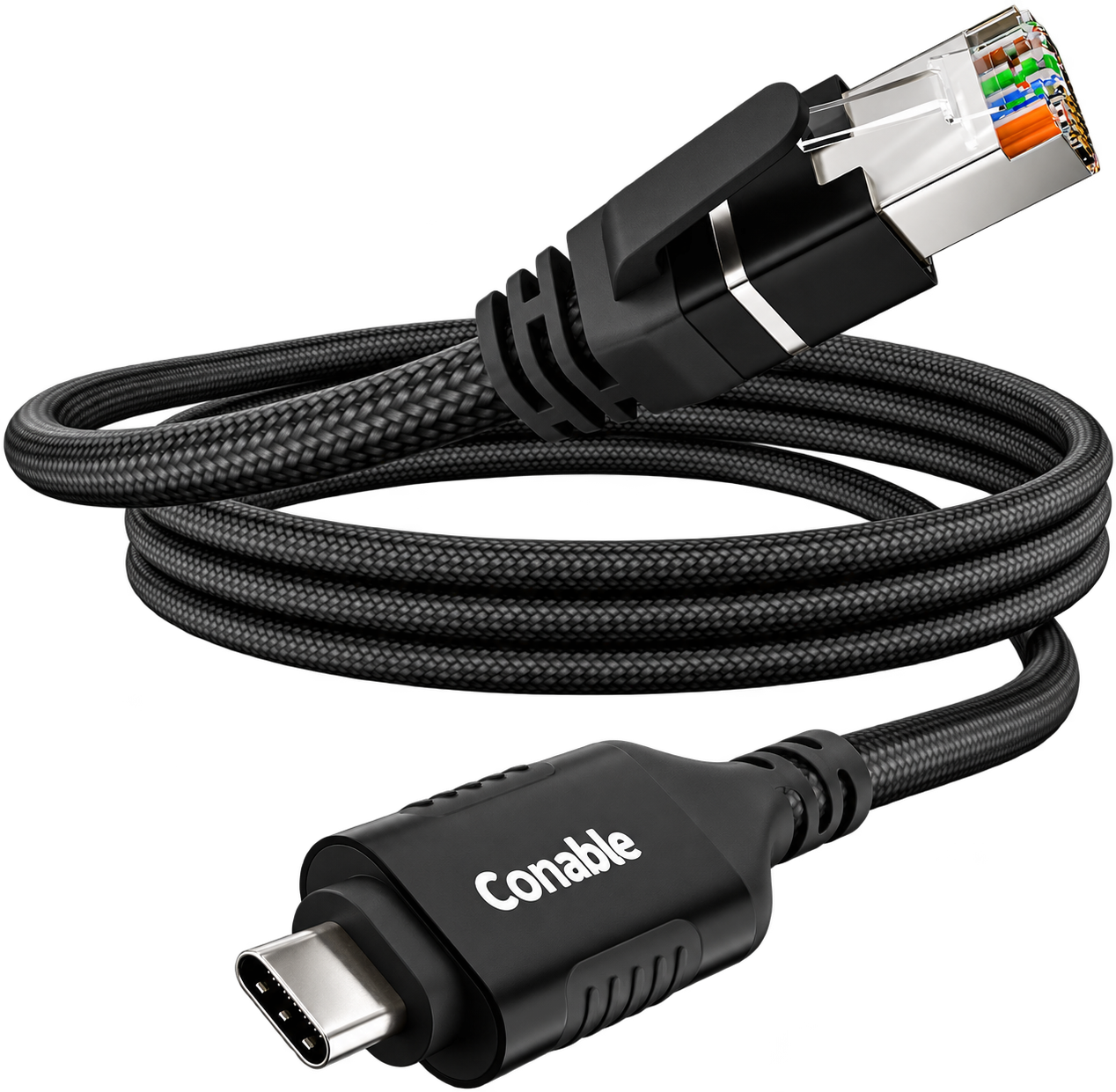
A 2-foot braided USB-C-to-RJ45 cable for a direct gigabit Ethernet connection.
This is my gear ecosystem, not a performance ranking. The right setup depends on your connection and how you travel.
02 / FIELD NOTES
Practical starting points for a connected trip.
No wall of jargon required.
Pack your router, its power supply, a short Ethernet cable, and the cables your devices actually need. Configure your Wi-Fi name at home and check that everything connects before departure.
Where the property permits it, use the router to share the hotel connection with your devices. Complete any hotel sign-in first, then check a normal webpage before enabling your VPN.
Portal behavior varies by hotel and router. Follow the property's network rules.
A mobile connection can be a useful fallback when a room's internet is unreliable. Check your carrier's coverage, hotspot allowance, roaming costs, and device compatibility before relying on it.
03 / BEHIND THE TECH
AlexRoamTech is where I share my interest in travel technology, networking, and the little devices that make a big difference on the road.
My toolkit spans the GL.iNet ecosystem—from travel routers to mobile and home networking devices. I've also participated in Mango and SIMPoYo 5G uFi beta testing, bringing a hands-on perspective to the gear I explore.
The goal is simple: help you understand your options, build a setup that fits your trip, and get more out of the tech you already carry.
Find me on socialLET'S CREATE SOMETHING USEFUL
Travel tech, networking, and mobile connectivity.
Let's talk product testing, walkthroughs, and creator collaborations.
FOLLOW THE JOURNEY
Find me at @alexroamtech.